
HiLink 28-Piece Network Tool Kit — Ratchet RJ45/RJ11 Crimper, LAN Tester, Punch-Down Tool & Case | Cat6 Cat5e
Availability: In Stock

HiLink 28-Piece Network Tool Kit — Ratchet RJ45/RJ11 Crimper, LAN Tester, Punch-Down Tool & Case | Cat6 Cat5e
Sale price$35.99
Choose options
Everything to Build, Test and Repair Network Cable in One Case
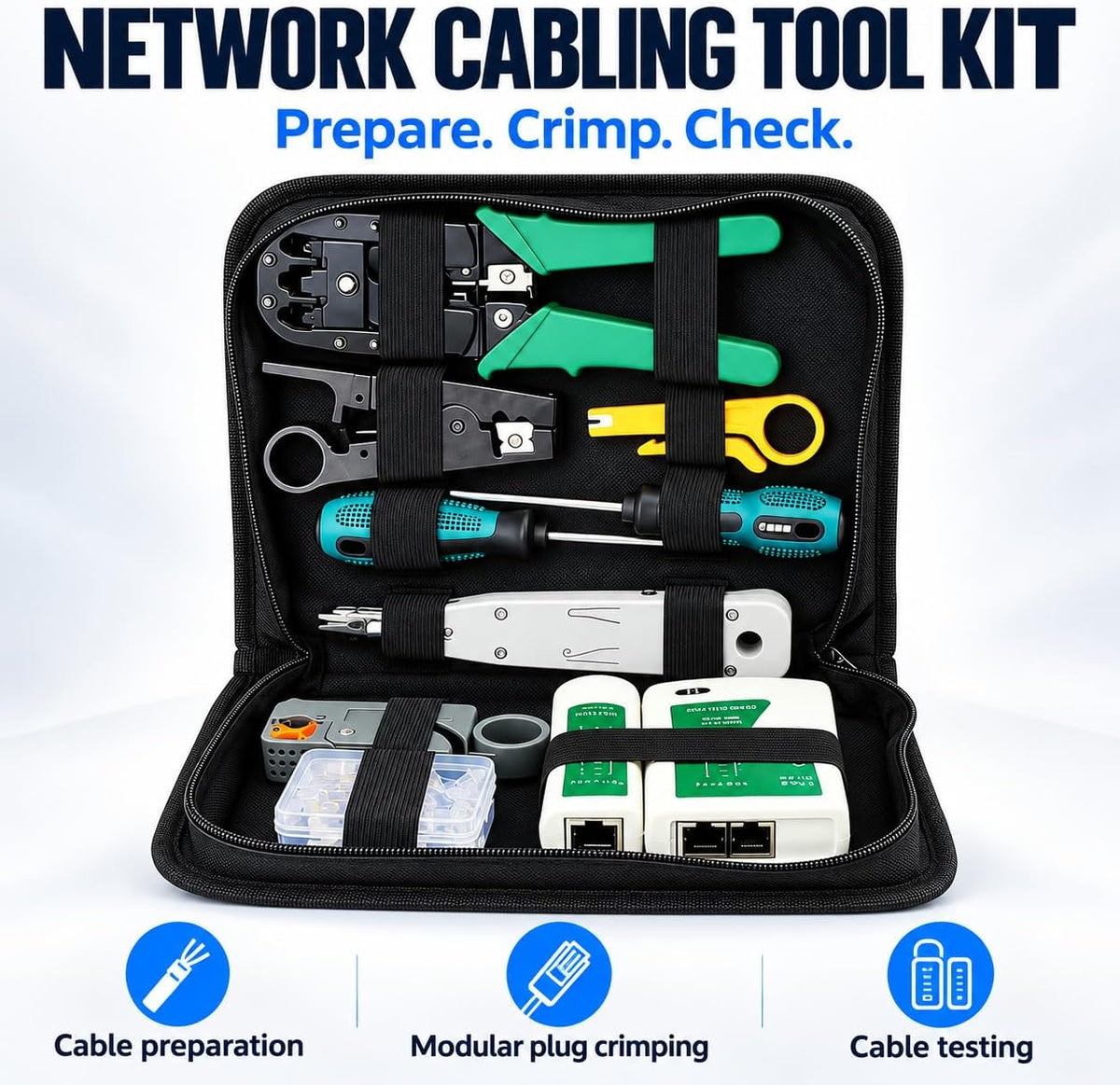
The HiLink 28-Piece Network Tool Kit gives you a complete cabling toolkit in one zip carry case. Use it for home networks, office fit-outs, NBN cabling jobs and CCTV installs.
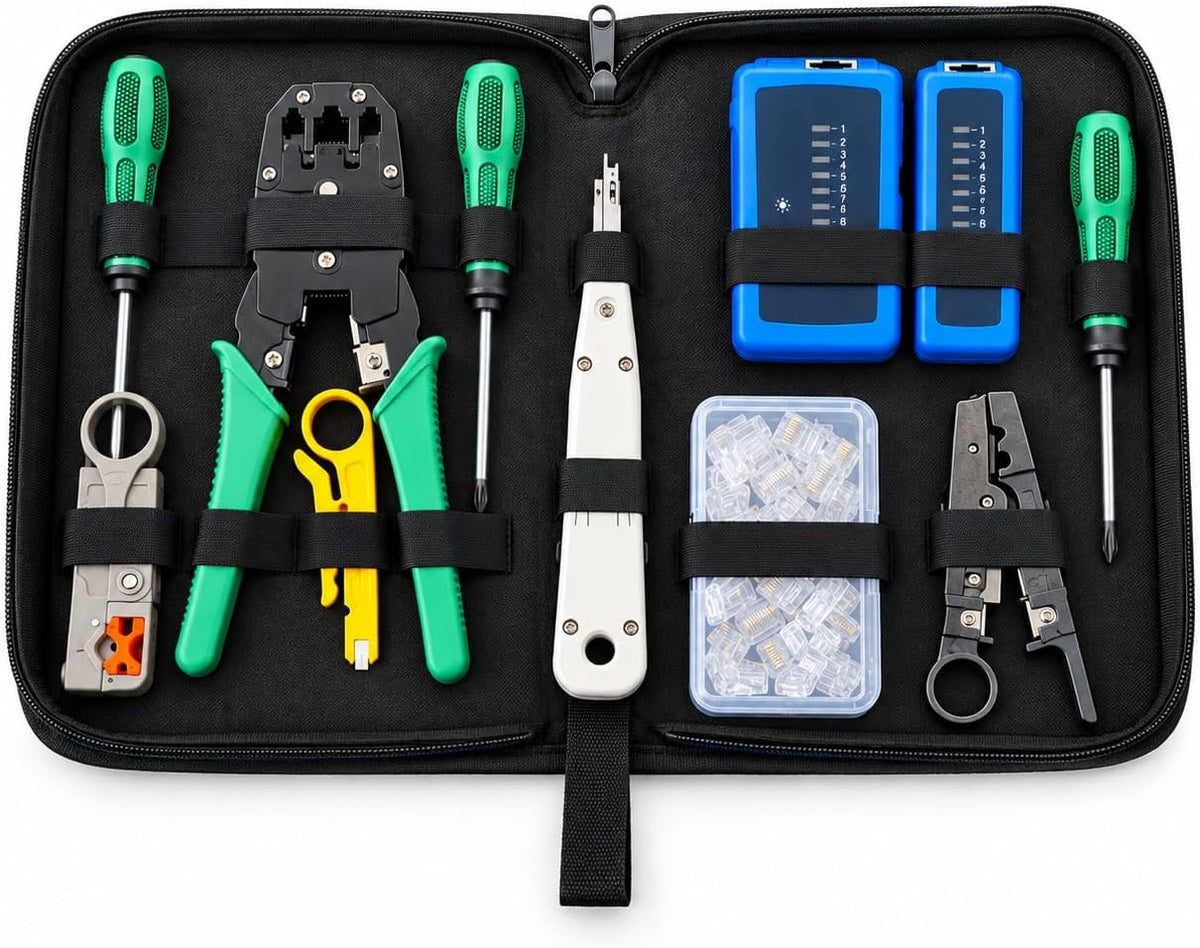
What's in the Case
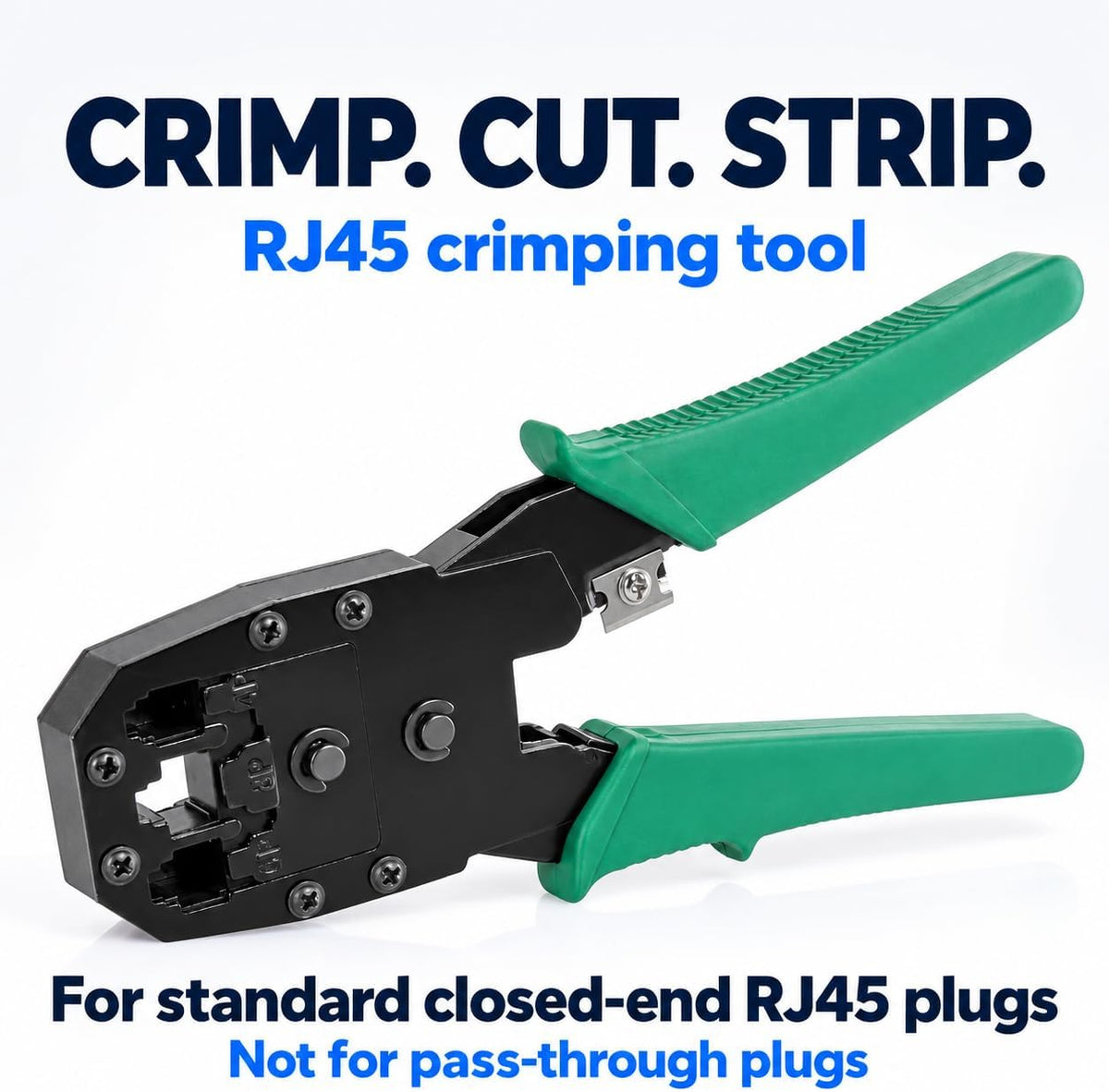
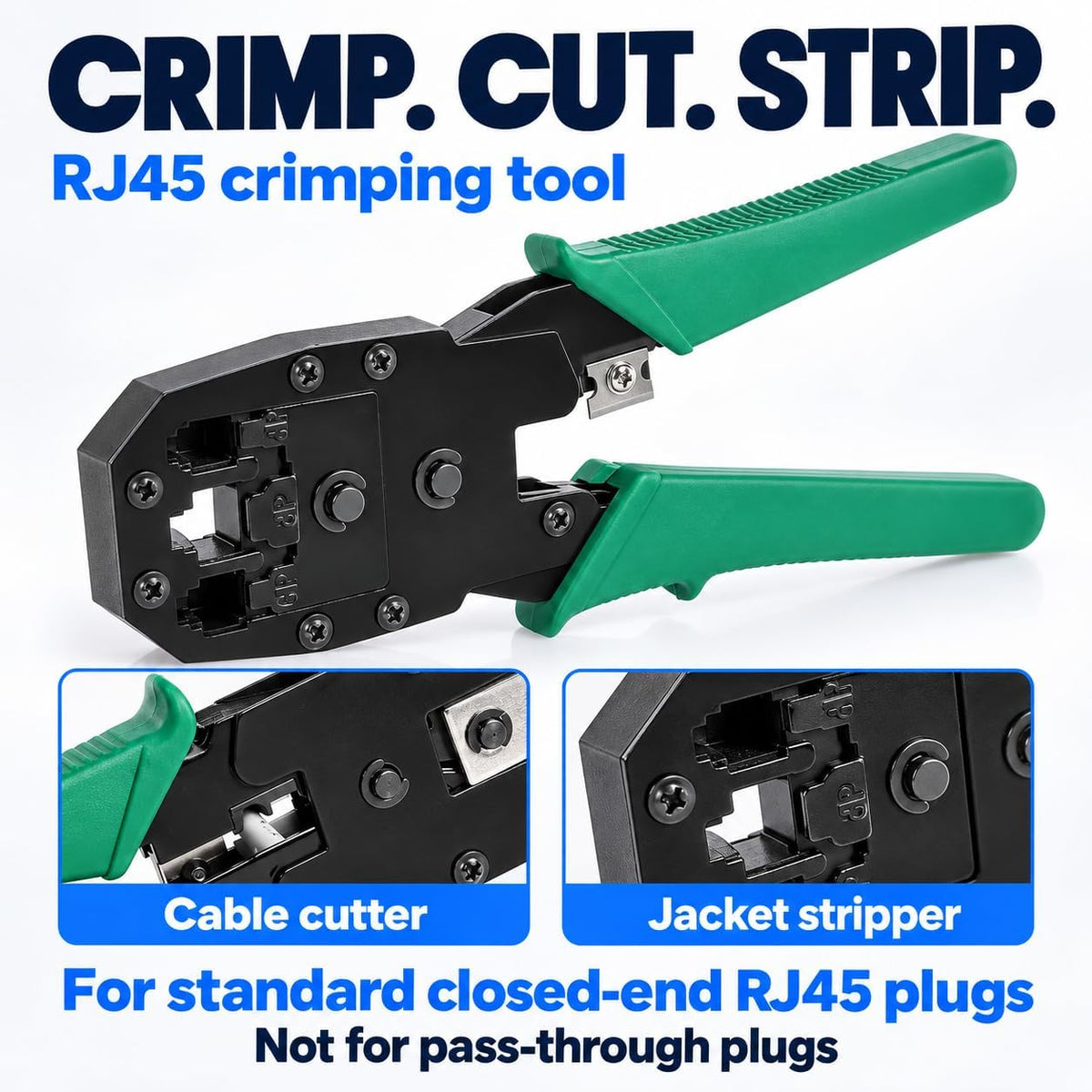
- Ratchet crimping tool for RJ45 and RJ11 plugs
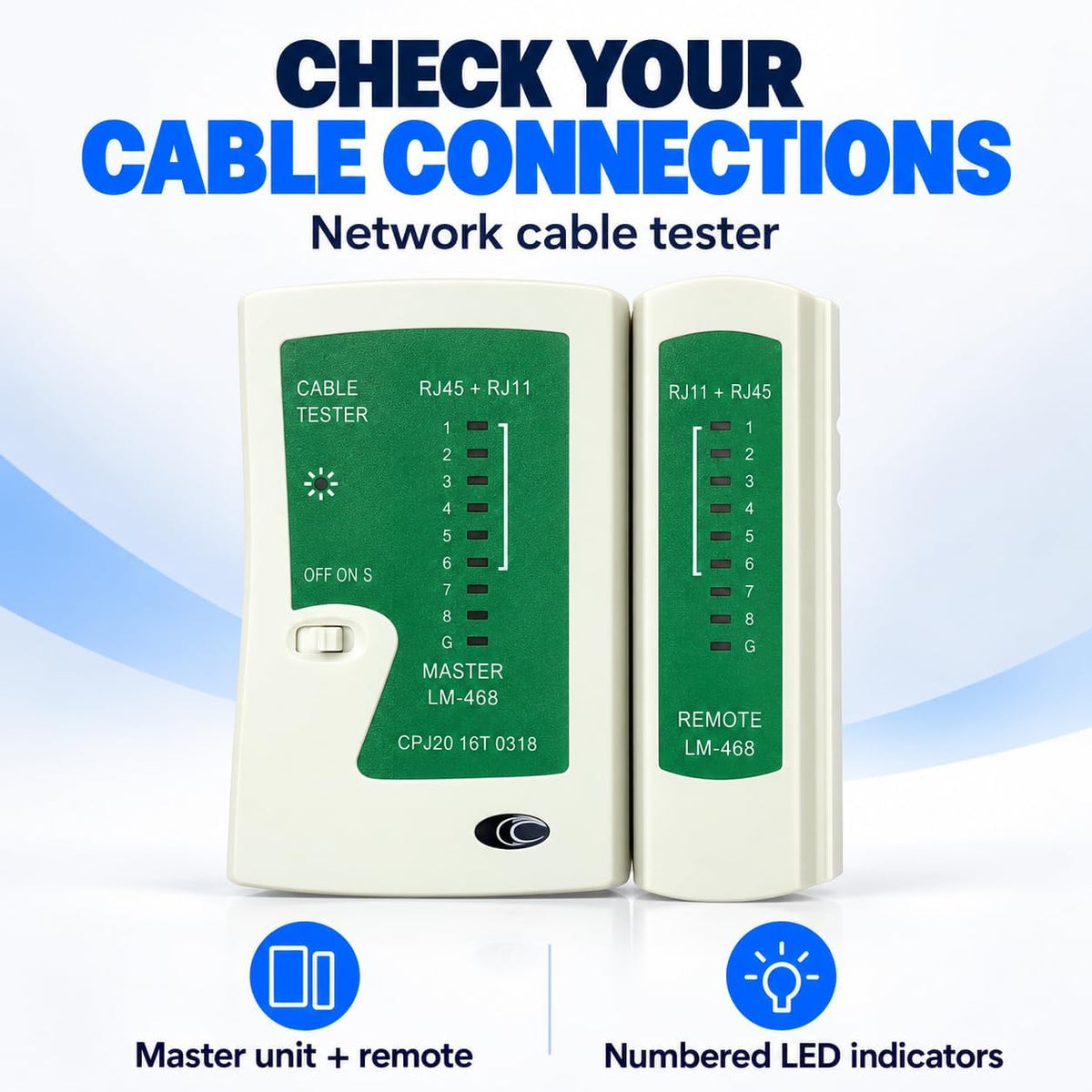
- LAN cable tester with master and remote units
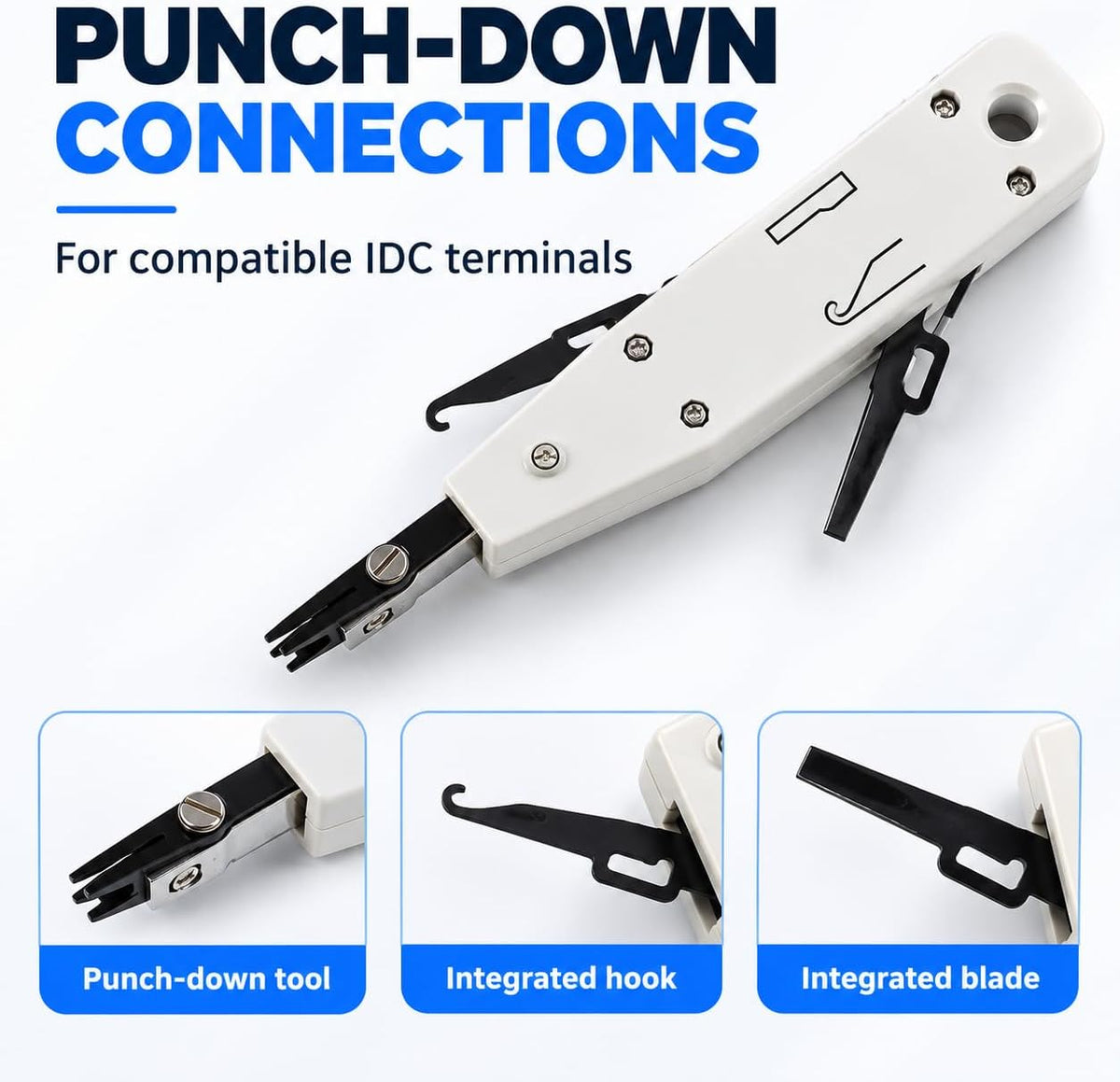
- Punch-down tool
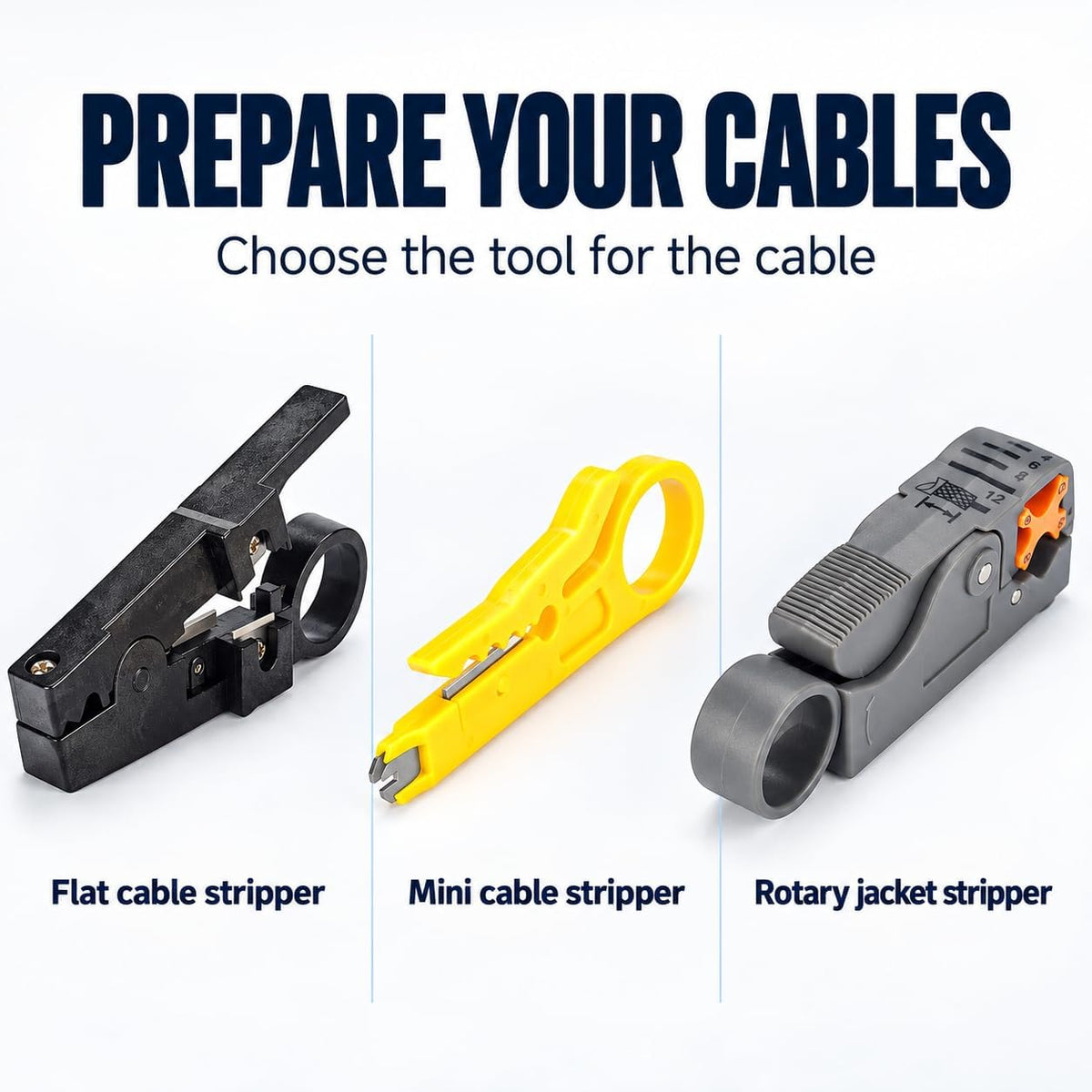
- Wire strippers
- Screwdrivers
- RJ45 connectors
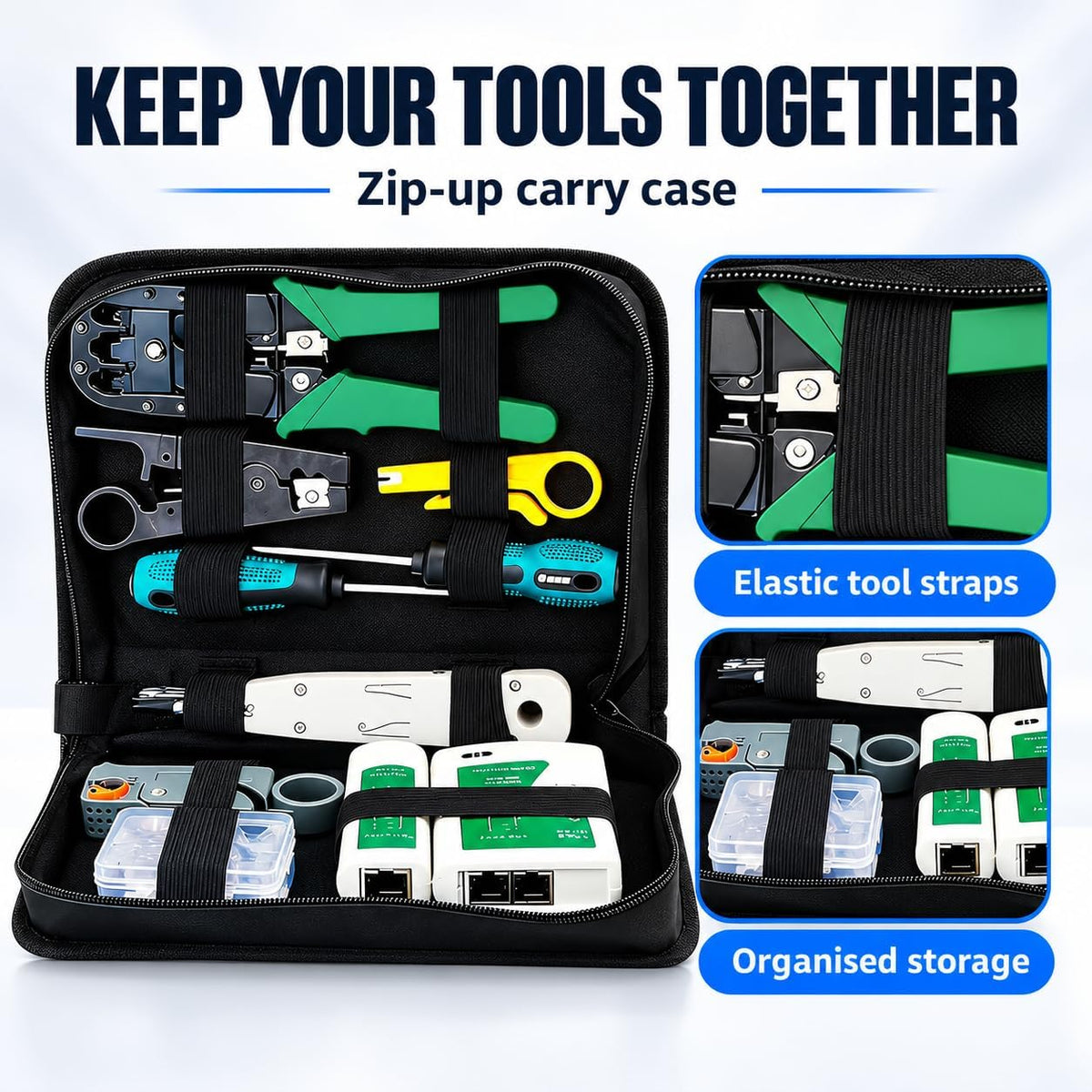
- Zip carry case
Key Features
- Crimp RJ45 and RJ11 plugs — terminates 8P8C RJ45 and 6P RJ11 plugs on Cat5e and Cat6 cable for patch leads, wall plates and phone lines
- Find faults before you close the wall — the master and remote LAN tester checks each wire in turn to help you spot opens, shorts and miswires
- Patch panel ready — the punch-down tool seats and trims wires on 110-style jacks and patch panels, and the wire strippers prepare network and coax cable cleanly
- Organised and ready for site — a zip case keeps every tool in place on the job
Who It's For
- DIYers setting up home networks and CCTV
- Electricians and data cablers
- IT technicians and office managers
Works Best With
- HiLink Cat6 RJ45 pass-through connectors (100-pack) for extra terminations
- HiLink Cat6 Ethernet cable
Guides: T568A vs T568B wiring and Cat6 vs Cat5 cable for CCTV.
Frequently Asked Questions
Does it work with Cat6 cable?
Yes. The kit works with Cat5e and Cat6 network cable and 8P8C RJ45 and 6P RJ11 plugs.
Can I test cables already installed in the wall?
Yes. Plug the master unit into one end and the remote into the other to check each wire.
Is it suitable for CCTV installs?
Yes. It's ideal for terminating and testing PoE camera cable runs back to your NVR.
Why HiLink?
Sold and supported by HiLink Technologies, Australia. Ships from Australia.