Cat6 vs Cat5 Cable for Security Cameras — Does It Matter?
If you're setting up a PoE security camera system, you'll need to run Ethernet cable from each camera to your NVR. The question comes up constantly: does it matter whether you use Cat5, Cat5e, or Cat6? The short answer is yes — but probably not in the way you expect. Here's what actually matters for a CCTV installation.
What's the Difference Between Cat5, Cat5e, and Cat6?
All three are Ethernet cable standards that use the same RJ45 connectors, but they differ in bandwidth capacity, maximum data rate, and build quality:
- Cat5 — supports up to 100Mbps at 100MHz. The original standard, now largely obsolete. Technically usable for IP cameras but not recommended for new installations
- Cat5e (Category 5 Enhanced) — supports up to 1Gbps at 100MHz. The minimum recommended standard for any new cabling work. Reduced crosstalk compared to Cat5
- Cat6 — supports up to 1Gbps at 250MHz (and up to 10Gbps over short distances). Better shielding, tighter twist ratios, and superior noise rejection. The recommended standard for security camera installations
Why Cat6 Is Recommended for CCTV
Modern IP security cameras — including all cameras in the HiLink camera kits — transmit high-definition video streams continuously. A single 4K (8MP) camera can generate 8–16Mbps of data depending on compression settings. That's well within the capacity of any Ethernet standard, so raw bandwidth isn't the primary reason to choose Cat6.
The real reasons Cat6 is the better choice for CCTV:
- PoE performance — security cameras are powered by the Ethernet cable (Power over Ethernet). Cat6's superior conductor quality and lower resistance make it more efficient for PoE power delivery, particularly over long runs
- Longer reliable runs — while both Cat5e and Cat6 are rated to 100m, Cat6 maintains signal integrity more consistently across that full distance, especially important in outdoor runs subject to temperature variation
- Future-proofing — cable runs are a one-time investment. Pulling Cat6 now costs roughly the same as Cat5e but gives you headroom for future cameras, NVRs, or other networking equipment
- Better noise rejection — outdoor cable runs can be exposed to electrical interference from lighting circuits, inverters, and other equipment. Cat6's improved shielding reduces the risk of signal degradation
Practical Recommendations
For all new CCTV installations: use Cat6. The cost difference over Cat5e is minimal — typically $0.10–0.20 per metre — and the performance and reliability benefits are real, particularly for PoE systems and long runs.
If you already have Cat5e cabling in place and it's working: there's no urgent need to replace it. Cat5e is adequate for most residential IP camera installations and will handle standard 4K video streams without issue.
Avoid Cat5 (original, not Cat5e) for new installations — it lacks the enhanced specifications needed for reliable PoE delivery and modern video streams.
What About the Cable Between the NVR and Your Router?
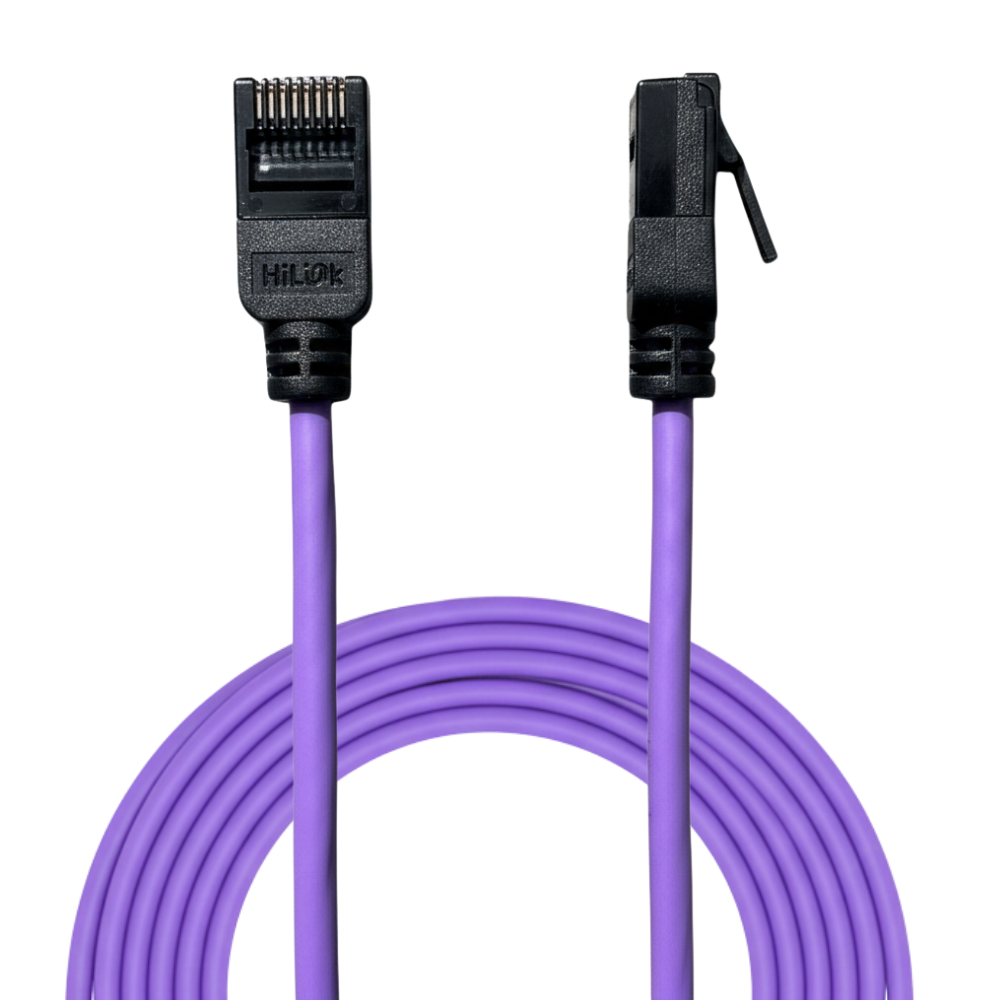
The short patch cable from your NVR to your router or switch only needs to carry the combined video streams from all cameras to your local network — not PoE power. Cat5e or Cat6 both work fine here. The HiLink Cat6 patch cable is available in lengths from 0.25m to 5m for exactly this purpose.
Terminating Your Cat6 Cable
If you're cutting cable to length and terminating your own connectors, you'll need:
- Cat6 RJ45 pass-through connectors — the pass-through design makes it much easier to verify correct wire order before crimping
- RJ45 crimp tool — a ratchet-mechanism tool ensures consistent, reliable crimps
Pre-terminated patch cables in standard lengths are also available if you prefer a plug-and-play approach for shorter runs.
Frequently Asked Questions
Will Cat5e work with HiLink PoE cameras?
Yes — Cat5e is technically compatible with PoE and will work for most residential installations. For best results and long-term reliability, Cat6 is recommended.
Does the cable brand matter?
Quality varies. Avoid very cheap no-brand cable — some uses aluminium conductors with copper coating (CCA) rather than solid copper, which significantly reduces PoE efficiency and increases resistance over long runs. Look for solid copper conductors.
What length do I need per camera?
Measure the actual cable route from each camera position to the NVR — not straight-line distance. Add 10–15% for routing around obstacles, drops into walls, and slack at each end. For most suburban properties, runs of 15–40m per camera are typical.