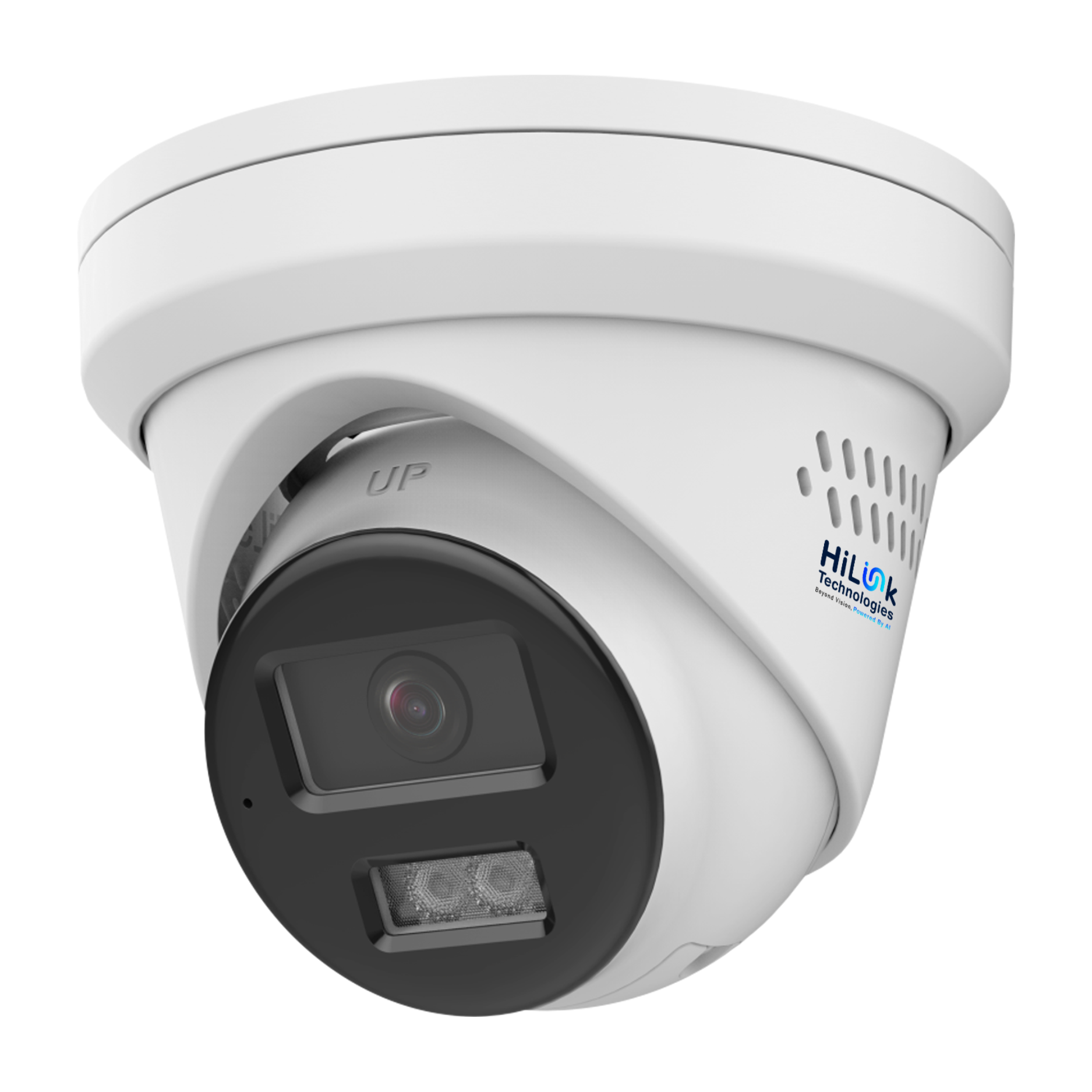
Article: How Many Security Cameras Do You Need for an Australian Home?
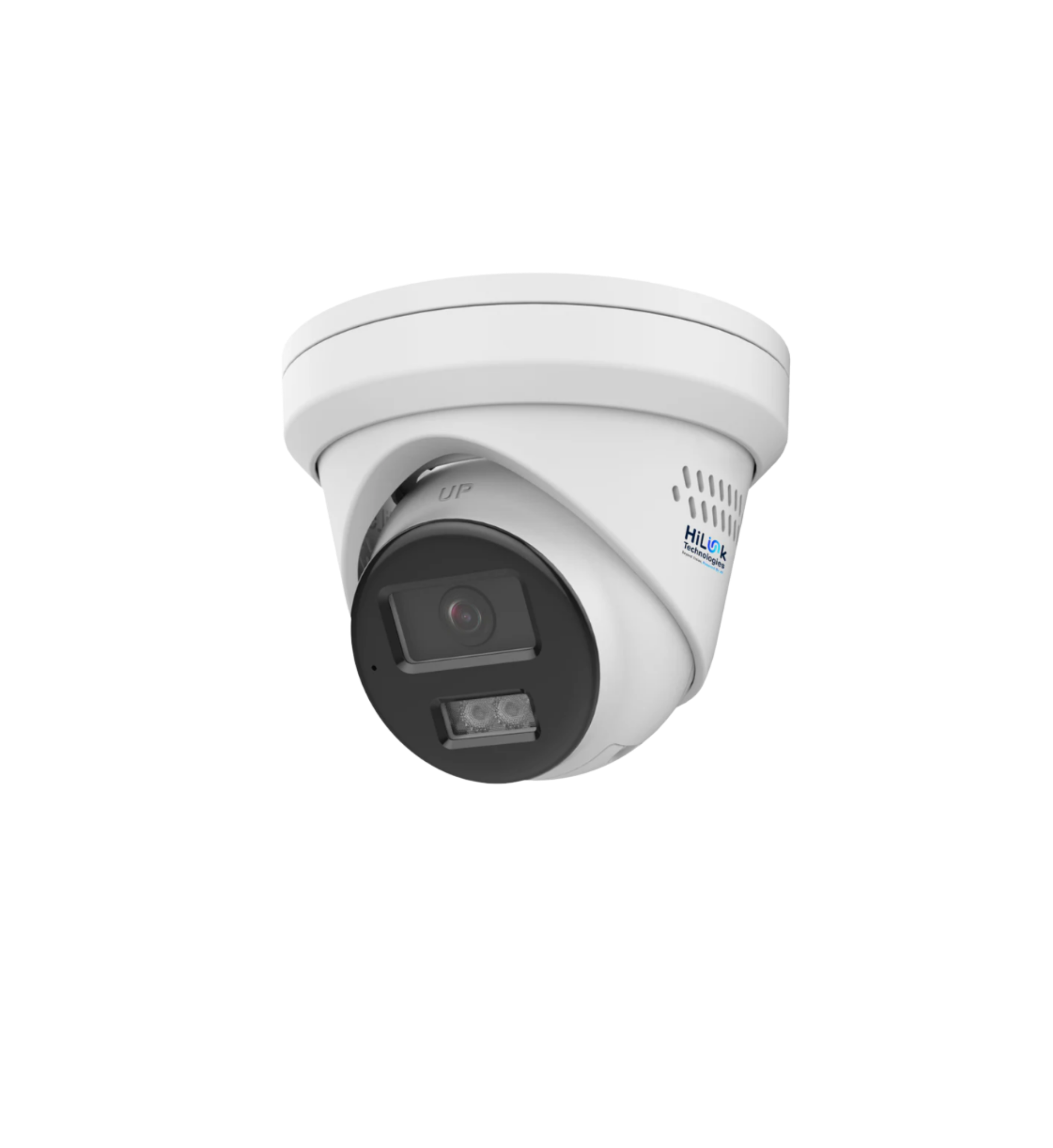
How Many Security Cameras Do You Need for an Australian Home?
One of the most common questions we get at HiLink Technologies is: how many security cameras do I actually need? The answer depends on your property size, layout, and what you're trying to protect. This guide walks you through exactly how to figure it out.
Start With the Entry Points
Every camera placement strategy starts the same way: identify every point where someone could enter your property. For the average Australian home, that typically means:
- Front door — the most common entry point for break-ins
- Back door or sliding glass door — frequently targeted because it's out of street view
- Garage or carport — especially if it has internal access to the house
- Side gates (left and right) — the path between front and back yard
That's already 4–5 camera positions for a standard single-storey home. If you have a granny flat, a large shed, a pool area, or a corner block, add one position per extra zone.
The Formula by Property Type
Standard Suburban Home (600–800m²)
4 cameras is the sweet spot — front door, back door, driveway, one side gate. The HiLink 4-Camera 4K Kit is purpose-built for this: four 8MP ColorVu Gen 3 cameras, an 8-channel NVR, and 2TB storage, pre-matched and ready to install.
Larger Home or Corner Block (800m²+)
6 cameras gives you full perimeter coverage. The HiLink 6-Camera Kit covers this with 2 spare NVR ports for future expansion.
Large Property or Small Business
8 cameras provides complete coverage with no blind spots. The HiLink 8-Camera Kit delivers 8MP ColorVu Gen 3 quality at every position.
Spots Australians Often Miss
- The front fence line — captures number plates of vehicles casing the property
- The internal garage wall — if your garage has internal house access, that door is a target
- The rear fence line — especially on blocks backing onto a park, laneway, or reserve
8MP or 5MP — Which Resolution Do You Need?
For most homes, 5MP delivers excellent quality — faces, clothing, and body language are clearly visible. 8MP (4K) matters when identifying number plates on long driveways or zooming into recorded footage. Both the 8MP and 5MP build-your-own kits include full-colour night vision.
Frequently Asked Questions
Can I start small and expand later?
Yes — all HiLink kits include an 8-channel NVR. Start with 4 cameras and add up to 4 more at any time by plugging into spare ports via Cat6 cable.
What if my backyard has no Wi-Fi?
HiLink NVR systems use PoE (Power over Ethernet) — cameras connect via Cat6 cable directly to the NVR, not Wi-Fi. For rural locations with no internet, the HiLink Solar 4G PTZ Camera runs entirely on 4G with 12 months of free data included.
How much storage do I need?
2TB holds approximately 20–30 days of footage across 4 cameras at 4K with motion-based recording — more than enough for most households.
Bottom Line
Standard Australian suburban home: 4 cameras. Larger block or corner property: 6 cameras. Full commercial coverage: 8 cameras. All HiLink kits ship from Australia with free shipping and no cloud subscription required.