T568A vs T568B: Which Ethernet Wiring Standard Should You Use in Australia?
When you make your own Ethernet cable, you have to put eight coloured wires into an RJ45 plug in the right order. There are two standard orders, T568A and T568B, and the question we get most often is: which one should I use in Australia? The short answer: either works, as long as you're consistent. Here's the detail.
T568A and T568B Colour Codes
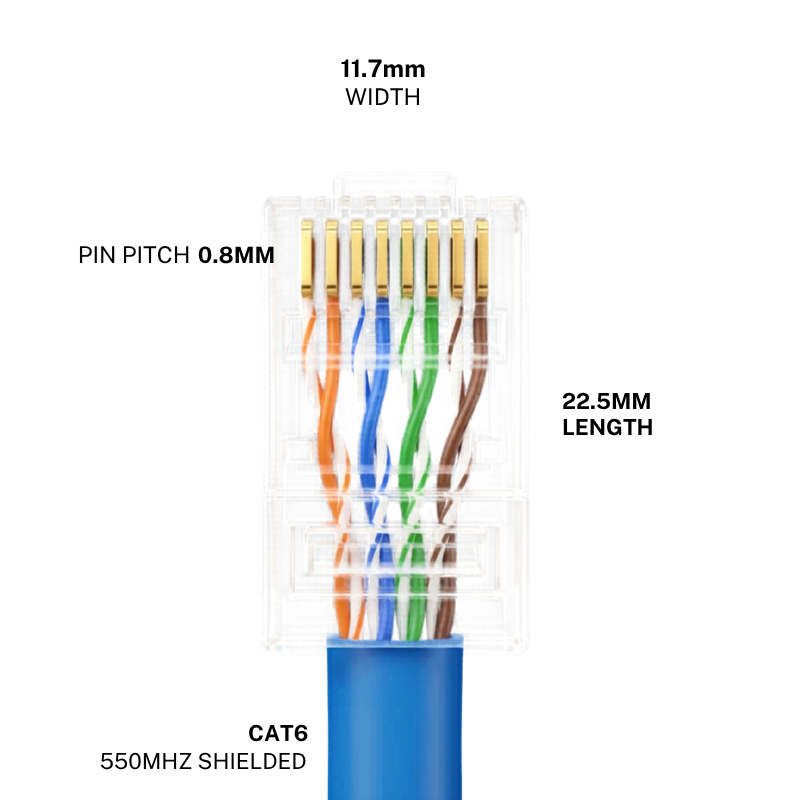
Hold the RJ45 plug with the clip facing down and the gold pins facing you. Pin 1 is on the left.
T568A
- White-green
- Green
- White-orange
- Blue
- White-blue
- Orange
- White-brown
- Brown
T568B
- White-orange
- Orange
- White-green
- Blue
- White-blue
- Green
- White-brown
- Brown
What's the Actual Difference?
Only the orange and green pairs swap places. Blue and brown stay in the same positions. Electrically, the two standards perform the same: same speed, same distance, same Power over Ethernet (PoE) support. One is not faster or better than the other.
Which Is More Common in Australia?
Australian cabling standards accept both. In practice:
- T568A is often specified for structured cabling and wall outlets in Australian homes and government buildings
- T568B is very common in commercial fit-outs and in pre-made patch leads
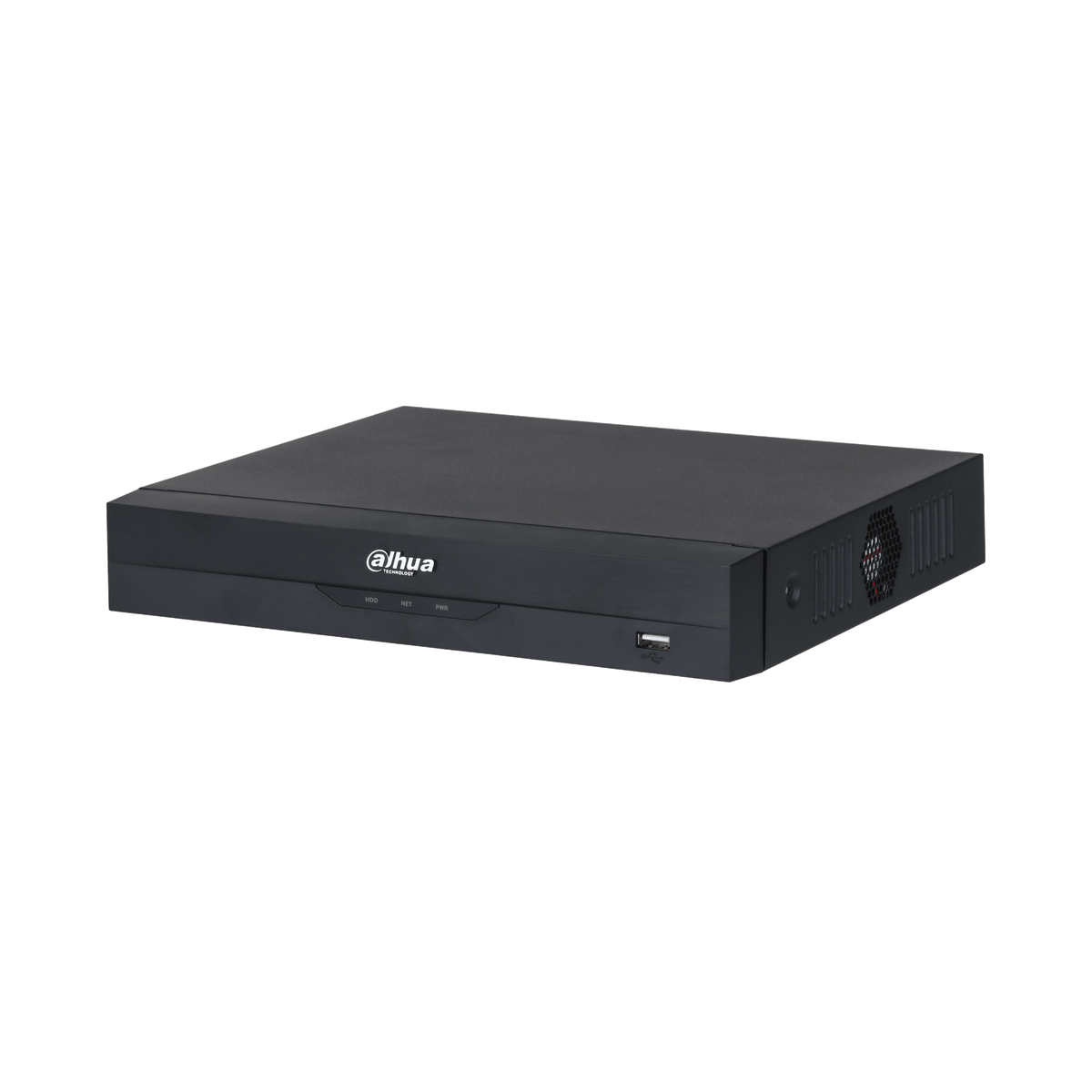
Because both are in widespread use, the rule that matters is simple: match what's already there. If your wall plates or patch panel are wired T568A, use T568A for any new runs on that system. For a brand-new standalone job, such as a CCTV run from a camera to your NVR, pick one and use it on both ends.
Straight-Through vs Crossover Cables
- Same standard on both ends (A-to-A or B-to-B) gives you a standard straight-through cable. This is what you want 99% of the time
- A on one end and B on the other gives you a crossover cable. These used to be needed to connect two computers directly, but modern devices sort this out automatically (Auto-MDIX), so you rarely need one now
A cable wired A on one end and B on the other by mistake will usually still work on modern gear, but it's poor practice and can cause problems with older equipment and some PoE devices. Keep both ends the same.
How to Tell Which Standard a Cable Uses
Hold the plug clip-down with the pins facing you and look at pin 1 on the left:
- White-orange on pin 1 means it's T568B
- White-green on pin 1 means it's T568A
Tools for Making Your Own Cables
- HiLink Cat6 Ethernet cable for the cable run itself
- Cat6 RJ45 pass-through connectors, which let you check the colour order before you crimp (see pass-through vs regular connectors)
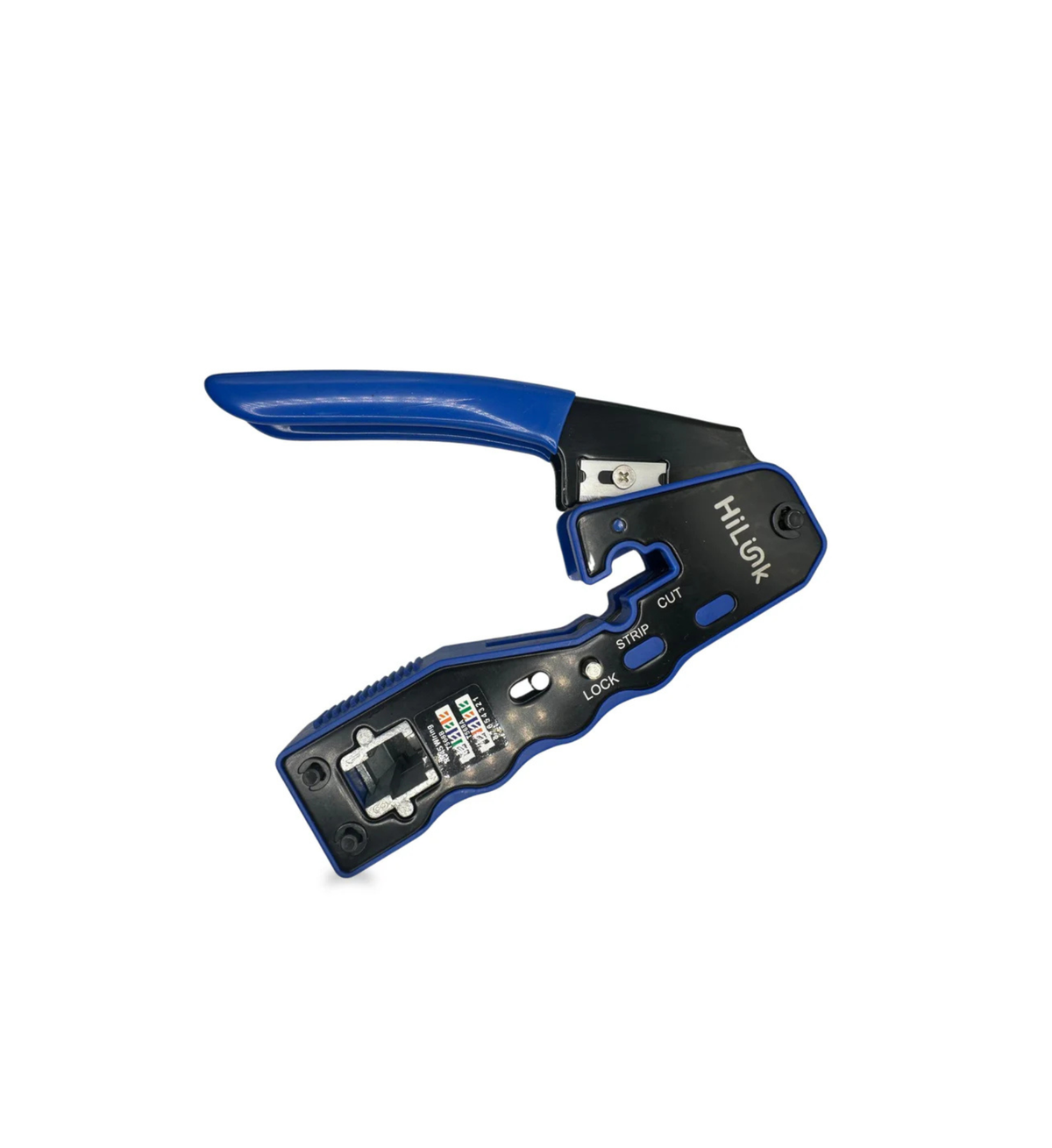
- HiLink RJ45 crimp tool to crimp and trim in one squeeze
- A LAN cable tester to confirm all eight wires before installing
Frequently Asked Questions
Does T568B give faster internet than T568A?
No. Both carry Gigabit and faster speeds equally well. Speed depends on the cable category (Cat5e, Cat6), cable quality and length, not on which wiring order you choose.
Does the wiring standard matter for PoE security cameras?
PoE works with both, provided both ends of the cable use the same standard and all eight wires are connected properly. Always test the cable before mounting the camera.
I'm extending existing cabling in my house. Which should I use?
Open one of the existing wall plates or check an existing plug and match it. Remember that fixed cabling inside walls connected to the telecommunications network must be installed by a registered cabler in Australia.
Can HiLink install network cabling for me?
Yes. We provide network design, cabling and configuration for homes and businesses in Victoria. See our network engineering services.