Article: Best Security Camera Systems for Australian Homes in 2026: The Complete Buying Guide
Best Security Camera Systems for Australian Homes in 2026: The Complete Buying Guide
Buying a security camera system in Australia used to mean a trade-off: pay a monthly cloud fee for decent footage, or go cheap and end up with grainy black-and-white clips that are useless to police. That trade-off doesn't really exist anymore. In 2026, the best systems record in full 4K, store everything locally with no ongoing cost, and hold up against everything the Australian climate throws at them — from Cairns humidity to Broken Hill dust storms.
This guide breaks down the best security camera systems for Australian homes and businesses right now, organised by the situation you're actually in — suburban block, rural property with no reliable Wi-Fi, warehouse, or DIY tinkerer on a budget — so you can go straight to the system that fits instead of wading through specs that don't matter to you.
We'll also cover the mistakes people commonly make when buying their first system, what a subscription-based camera actually costs you over a few years compared to a one-time purchase, and the specific features worth paying attention to in 2026 versus the ones that are mostly marketing.
How to Choose the Right Security Camera System
Before comparing individual products, it helps to answer four questions. They'll narrow the field faster than any spec sheet:
- How many entry points and blind spots does your property have? Most Australian homes need between 4 and 8 cameras for full coverage — see our full breakdown in How Many Security Cameras Do You Need for an Australian Home?
- Is reliable Wi-Fi or ethernet available where the cameras need to go? A shed at the back of a five-acre block or a farm gate 40km from town rules out standard Wi-Fi cameras entirely.
- Do you want to pay a monthly subscription for cloud storage? Many big-name brands (Ring, Arlo, Nest) charge a monthly fee for video history. Locally-stored systems avoid this entirely.
- Will you install it yourself or use a professional installer? This affects whether you should choose a wireless kit or a wired PoE system — more on that below.
Best Security Camera Systems for Every Australian Property
Best for Suburban Homes: 4, 6 and 8-Camera 4K Kits

For a standard suburban block, a wired kit built around 8MP (4K) ColorVu cameras is the gold standard in 2026. ColorVu sensors record in full colour at night using a built-in illuminator instead of grainy infrared, so you can actually make out a face or a number plate at 2am, not just a shape.
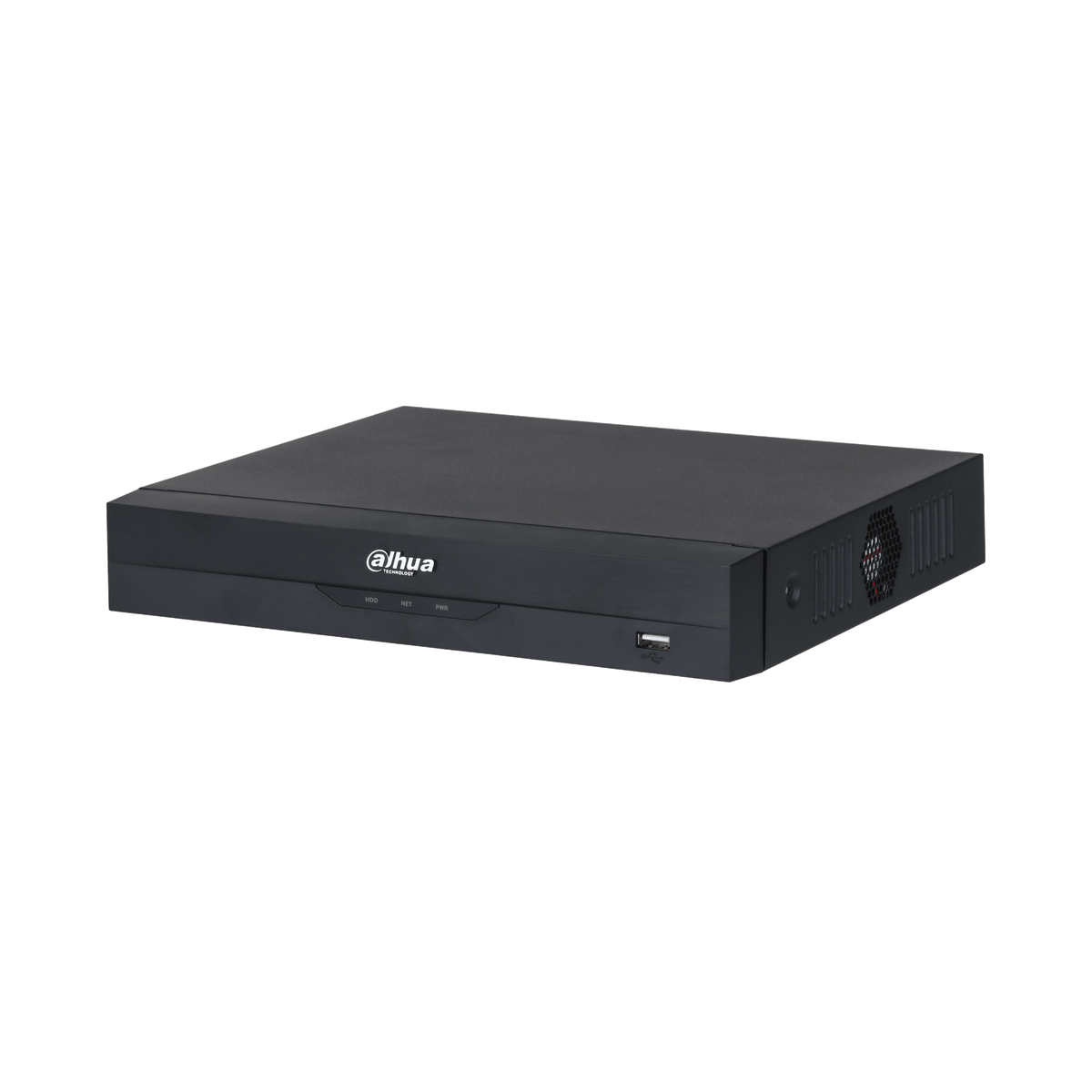
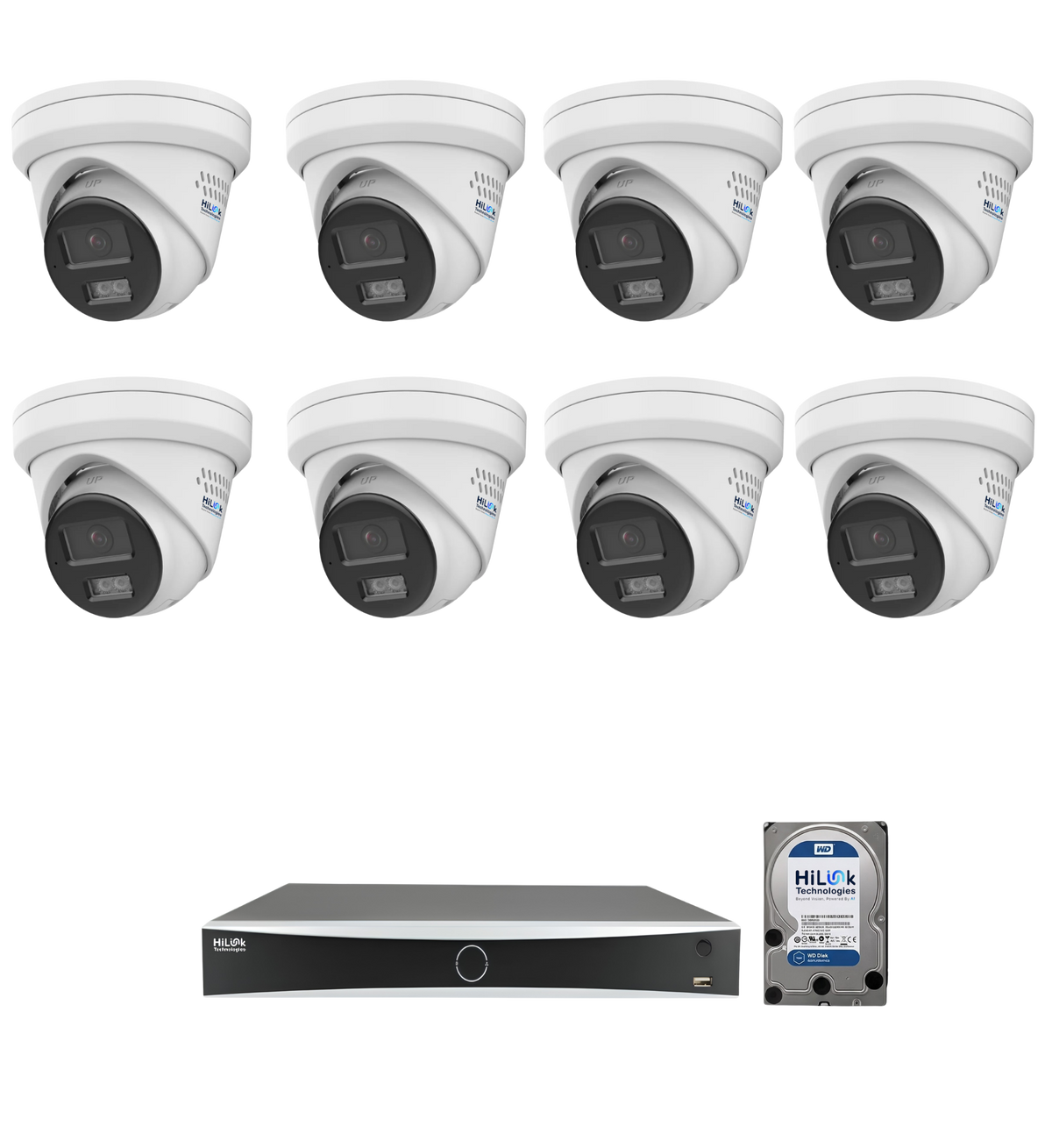
The HiLink 4-Camera 4K Security System covers a typical three or four-bedroom home (front door, driveway, back yard, side access) and comes with an 8-channel NVR and 2TB of local storage — roughly one to two weeks of continuous 4K recording, or a month or more with motion-based recording — with zero monthly fees. Larger blocks or corner properties tend to need the 6-Camera or 8-Camera versions, which add coverage for side fences, garages, and secondary entry points and come with 4TB of storage.
Best for Rural and No-Wi-Fi Properties: Solar 4G PTZ Cameras

If you're covering a farm gate, machinery shed, dam, or any spot without power or internet, standard cameras simply won't work. The HiLink Solar 4G PTZ Camera solves this with a built-in solar panel and a 4G SIM connection — no Wi-Fi, no mains power, no trenching cables across paddocks. It pans and tilts remotely from your phone and includes 12 months of free data. We've covered this category in more depth in Best Security Camera for Rural Properties and Remote Locations in Australia.
Best for Businesses and Warehouses: Full Perimeter Coverage
Commercial sites need more cameras, more storage, and tougher housings. The 8-Camera 4K kit — the same hardware used in the suburban tier above, just scaled up — pairs an 8-channel NVR with 4TB of storage for full-perimeter coverage of a warehouse, retail frontage, or small commercial yard. For larger sites, our 16, 32 and 64-channel NVRs scale up further. Choose cameras rated IP66 or IP67 so exposure to rain, dust and direct sun isn't a concern.
Best Budget and DIY Option: Build Your Own Kit
If you don't need a fixed 4, 6, or 8-camera bundle, the Build Your Own Security Kit lets you choose your own camera count and storage size, then top it up with individual cables, connectors, and mounting hardware as needed. It's the cheapest entry point per camera and the easiest to expand later without replacing the whole system.
Comparison Table: Which System Fits Your Property?
| System | Camera Count | Connectivity | Best For | Monthly Fee |
|---|---|---|---|---|
| 4-Camera 4K Kit | 4 | Wired PoE | Standard suburban home | $0 |
| 6-Camera 4K Kit | 6 | Wired PoE | Larger or corner blocks | $0 |
| 8-Camera 4K Kit | 8 | Wired PoE | Business, warehouse, full perimeter | $0 |
| Solar 4G PTZ | 1 (expandable) | 4G + solar, no Wi-Fi needed | Rural, remote, off-grid | $0 for 12 months |
| Build Your Own Kit | Custom | Wired PoE | Budget-conscious, DIY, expandable | $0 |
Key Features That Matter in 2026
Specs change every year, but a handful of features consistently separate a good system from a frustrating one:
- Resolution: 4K (8MP) or at minimum 5MP. Anything lower struggles to identify faces or number plates at distance, which defeats the entire purpose of installing the system in the first place. A blurry recording of "someone in a hoodie" is rarely useful to police.
- Full-colour night vision: Look for ColorVu or equivalent tech rather than traditional infrared. Infrared-only cameras produce black-and-white footage at night, which makes identifying a car's colour or a person's clothing very difficult.
- Local storage, no subscription: An NVR with 2TB or more of onboard storage means your footage is genuinely yours — it isn't sitting on a third party's cloud server where it can be lost if the company changes its pricing or shuts down a product line. There's also no recurring bill just to keep access to your own recordings.
- AI motion detection: Modern systems distinguish between a person, vehicle, or animal, which dramatically cuts false alerts from blowing leaves, passing cars, or neighbourhood cats compared to older motion-triggered systems.
- Weatherproof rating: IP66 or IP67 at minimum for anything mounted outdoors in Australian conditions. Harsh UV exposure, sudden heavy rain, and coastal salt air all shorten the working life of a poorly rated camera.
- Warranty and local support: A 12-month minimum warranty from an Australian-based supplier matters more than most buyers expect. Sending a faulty camera back overseas for replacement can take months; a local warranty process usually takes days.
Common Mistakes to Avoid When Buying a Security Camera System
A surprising number of security camera purchases end up disappointing the buyer, and it's almost never because the hardware was faulty. It's usually one of these avoidable mistakes:
- Buying too few cameras to actually cover the property. A single camera pointed at the front door leaves every side gate, garage, and back yard entry point unmonitored. Plan coverage around entry points, not around a fixed budget number.
- Choosing a system based on price alone. The cheapest kits on the market often use 2MP or 3MP sensors that look fine in a product photo but produce unusable footage once you need to zoom in on an incident.
- Ignoring where footage is actually stored. Cloud-only systems tie your recordings to an ongoing subscription. If you stop paying, you can lose access to historical footage.
- Underestimating storage. 4K footage is large. Check how many days your hard drive will actually hold for your camera count and recording mode before you buy.
- Skipping the weatherproof rating. A camera rated for indoor use or with a low IP rating will fog up, corrode, or fail after exposure to an Australian summer.
- Not checking local warranty support before buying. Overseas-only warranty support sounds fine until something breaks and you're waiting weeks for a response in a different time zone.
Subscription Costs vs One-Time Purchase: The Real Cost Over Three Years
Subscription-based systems from brands like Ring and Arlo charge a monthly fee for cloud video history, ranging from a few dollars a month for a single camera to $20 or more a month for whole-home plans. Over several years, and across several cameras, that adds up to hundreds of dollars just to keep access to your own footage — and the bill keeps arriving indefinitely.
A locally-stored system works differently: you pay once for the cameras and NVR, and the storage is yours outright. Over a few years of ownership, the subscription fees on a cloud system can approach or exceed the upfront price of an equivalent no-subscription 4K kit — and the one-time buyer still owns the hardware outright with no ongoing bill.
Wired, Wireless, or Solar 4G?
The right connectivity type depends on the property, not personal preference. Wired PoE systems are the most reliable and support the highest resolutions, but need cable runs during installation. Wireless cameras are faster to install but rely on a strong Wi-Fi signal reaching every camera position. Solar 4G cameras solve both problems for off-grid locations, at the cost of running a single camera rather than a multi-camera NVR setup. We compare these in detail in PoE vs Wireless Security Cameras — Which Is Right for Your Australian Home?
How Many Cameras Do You Actually Need?
As a rough guide, a standard three-bedroom suburban home needs 4 cameras (front door, driveway, back door, and one side or rear yard view), a larger or corner block needs 6, and a property with a granny flat, pool, or long driveway typically needs 8. Full sizing logic — including where to mount each camera — is covered in How Many Security Cameras Do You Need for an Australian Home?
DIY Installation or Professional Help?
Most wired kits are DIY-friendly if you're comfortable with a drill and a ladder — cameras mount with a bracket and template, and Cat6 cable runs back to the NVR. Our DIY CCTV installation guide walks through the full process step by step, and our note on Cat6 vs Cat5 cable explains which cable to buy if you're running your own lines. If your property needs long cable runs through brick or roof cavities, or cabling that connects into your home's network wiring, use a registered cabler or professional installer. HiLink also offers network and installation services in Victoria.
Frequently Asked Questions
What is the best security camera system for Australian homes in 2026?
For most suburban homes, a wired 4K kit with 4–6 cameras, local NVR storage, and full-colour night vision offers the best balance of image quality, reliability, and long-term cost — with no monthly subscription.
Do I need a subscription for a security camera system?
No. Systems with an onboard NVR store footage locally on a hard drive rather than in the cloud, so there's no recurring fee to view or keep your recordings.
How many cameras do I need for an average Australian home?
Most three to four-bedroom homes need 4 cameras for full coverage of the main entry points; larger or corner blocks typically need 6 to 8.
Can I install a security camera system myself?
Yes, most wired kits are designed for DIY installation with basic tools. Long cable runs through walls or roof spaces are the main reason people use a professional installer instead.
What's the best security camera for a property with no Wi-Fi?
A solar-powered 4G camera is the most practical option — it doesn't need Wi-Fi, mains power, or trenched cabling, and connects directly over the mobile network.
Are wireless security cameras as reliable as wired ones?
Wireless cameras are convenient to install but depend on a consistently strong Wi-Fi signal at every camera position. Wired PoE systems are generally more reliable for full-property coverage.
Is it legal to install security cameras facing a neighbour's property in Australia?
Rules vary by state and territory, and generally focus on avoiding cameras that capture private areas like a neighbour's windows or backyard. If a camera's field of view is likely to include a neighbouring property, check your state's surveillance device legislation or angle the camera to focus on your own boundary. Our state-by-state guide covers the details.
How much footage storage do I actually need?
Four 4K cameras recording continuously will typically fill a 2TB drive in one to two weeks; with motion-based recording, a month or more is realistic. For 6 to 8 cameras, or if you want a longer history, choose 4TB. See how long security footage should be stored for more.
Final Verdict
There's no single "best" security camera system for every Australian property — the right choice depends on your property type, your internet situation, and how many entry points you need to cover. What every genuinely good option in 2026 has in common is 4K resolution, full-colour night vision, local storage with no subscription, and a weatherproof rating built for Australian conditions.
Browse the full range of camera kits, solar and 4G cameras, and our most popular systems, or start with our most-asked question: how many cameras do you actually need?