Best Budget Indoor Security Camera in Australia (Under A$50): What to Look For in 2026
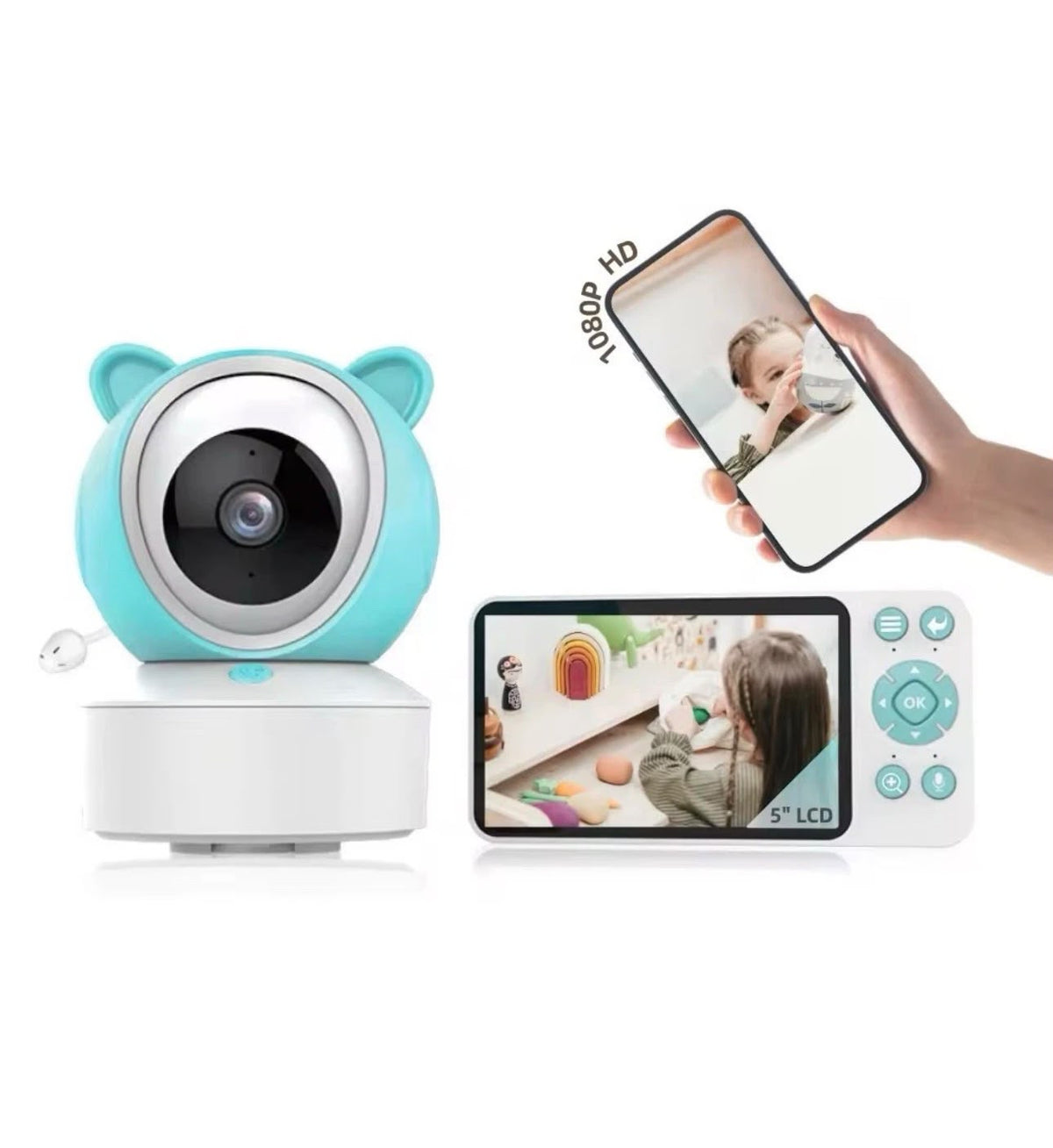
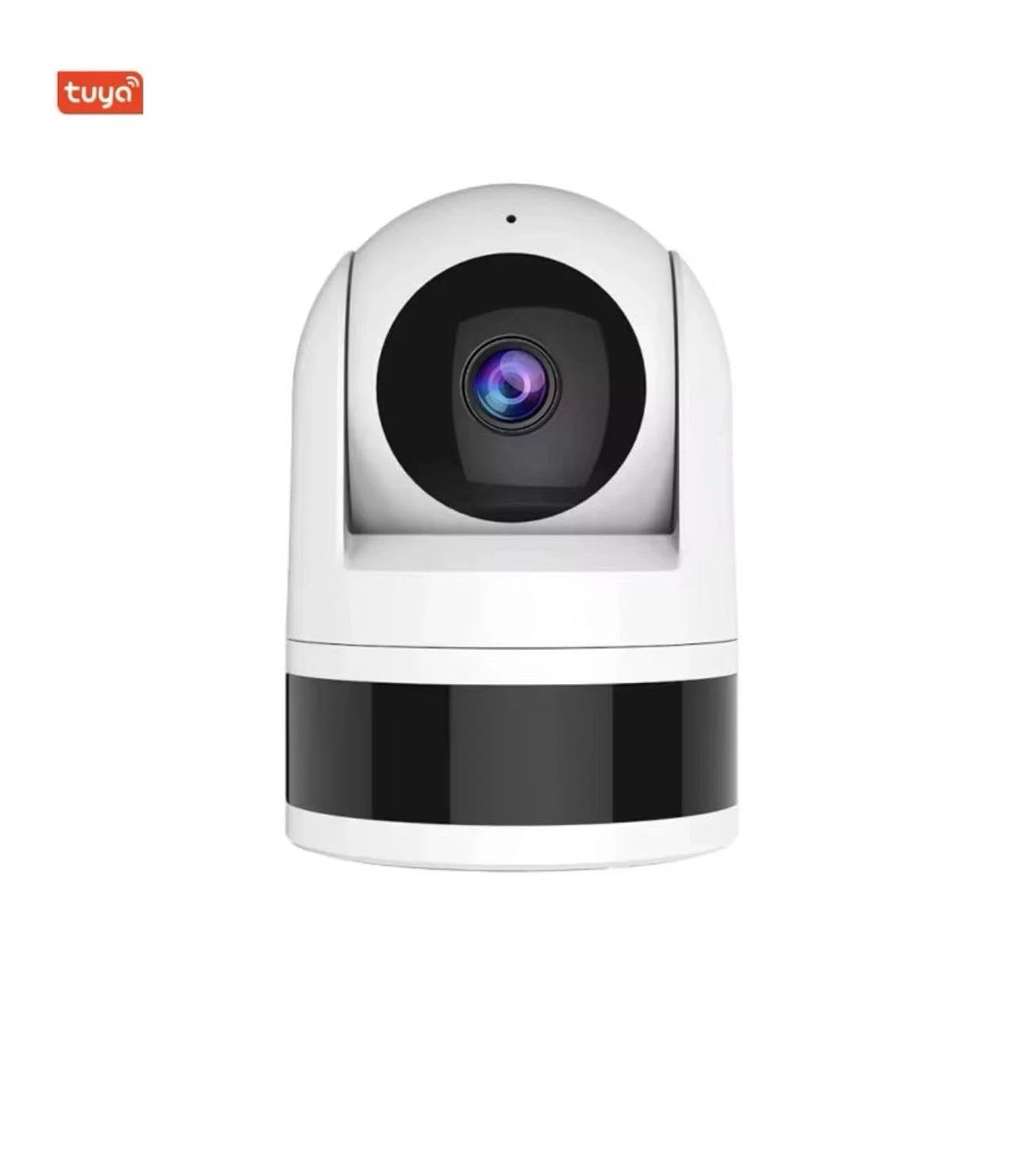
Short answer: under A$50, look for an indoor camera with at least 2K/4MP resolution, pan and tilt, night vision, two-way audio, person detection alerts and microSD recording with no subscription. The HiLink 4MP Wi-Fi Indoor Pan & Tilt Camera ticks all of these for A$40, ships from Australia and comes with a 12-month warranty.
7 features that matter in a budget indoor camera
1. Resolution: 4MP beats 1080p
A 4MP (2K) camera shows noticeably more detail than 1080p, which helps when you zoom in on a sleeping baby or read a face across the room.
2. Pan and tilt
A fixed camera sees one corner. A pan-and-tilt camera turns from your phone. The HiLink model turns 355° left-right and 170° up-down, so one camera covers the whole room.
3. Auto tracking
Auto tracking follows movement automatically, which is great for toddlers on the move and pets roaming the lounge.
4. Night vision
Infrared night vision lets you see in a dark nursery or a lounge at night without turning on a light.
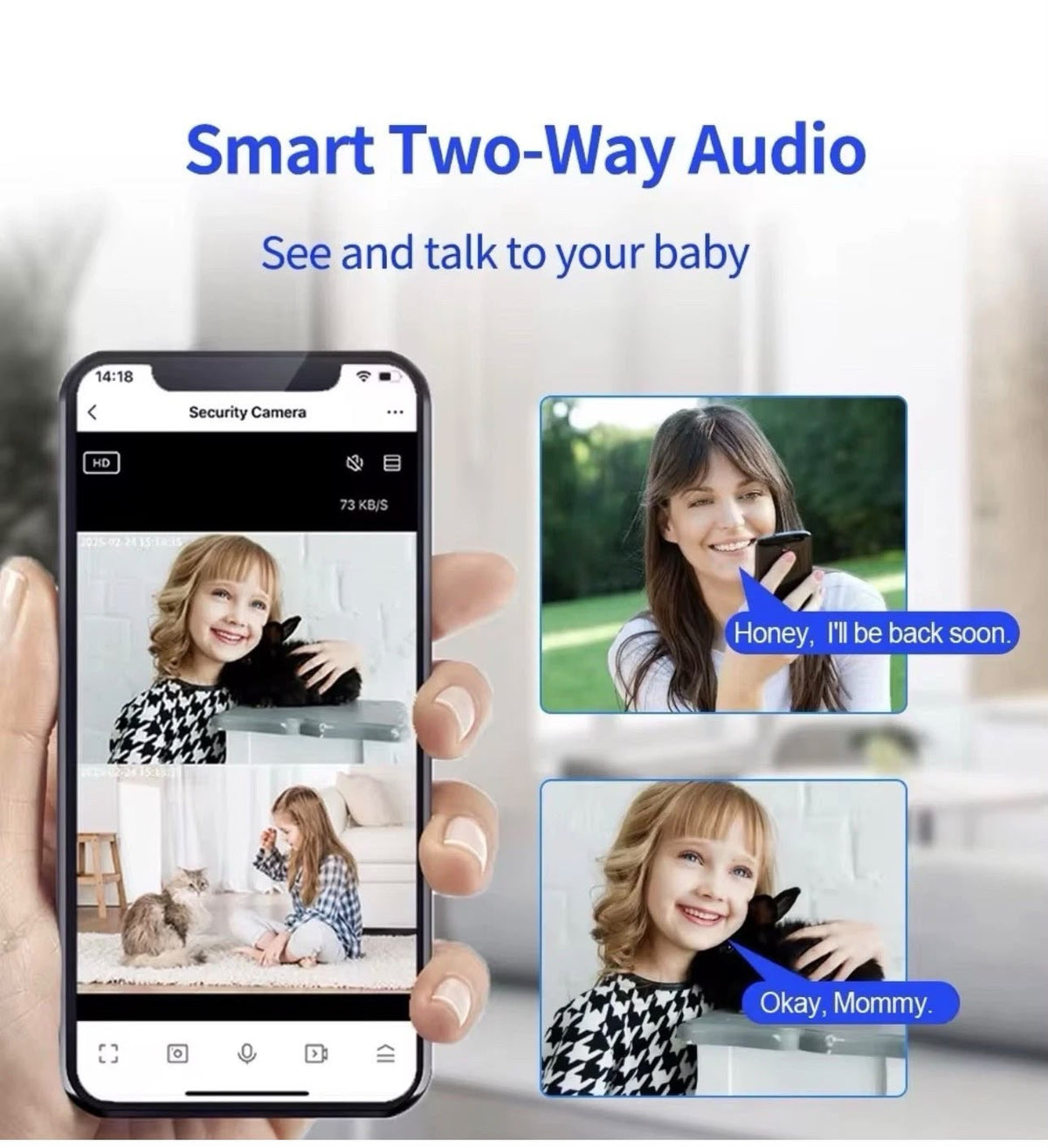
5. Two-way audio
Talk through the camera to calm a baby, tell the dog to get off the couch, or chat with family at home.
6. Person detection alerts
Human detection sends a notification to your phone when a person is seen, instead of alerting you every time a curtain moves.
7. Local recording, no subscription
Many brands lock recordings behind a monthly cloud plan. Look for microSD recording instead. The HiLink camera takes cards up to 256GB, and you can play footage back in the app.
Features you can skip at this price
- Outdoor weatherproofing. Indoor cameras don't need it. For outside, look at a solar 4G camera or a wired CCTV system.
- 5GHz Wi-Fi. 2.4GHz reaches further through walls, and almost every Australian home router provides it.
- Paid cloud storage. A microSD card does the job for home use.
Best uses for a cheap indoor camera
- Baby and toddler monitor: watch, listen and talk from anywhere in the house or from work.
- Pet camera: see what the dog gets up to while you're out.
- Elderly parents: a quick check-in, with their permission.
- Small shop or home office: keep an eye on the counter or the front door from inside.
How to set it up (about 5 minutes)
- Download the free Tuya Smart or Smart Life app and create an account.
- Plug in the camera and wait for the voice prompt.
- In the app, tap +, then add the camera. Pairing uses Bluetooth and your 2.4GHz Wi-Fi.
- Insert a microSD card, then switch on recording and alerts in the camera's settings.
- Place the camera on a shelf at chest height or higher, pointing at the area you want to watch.
Frequently asked questions
What is the best cheap indoor camera in Australia?
For under A$50, choose a 4MP pan-and-tilt camera with night vision, two-way audio, human detection and microSD recording. The HiLink 4MP Wi-Fi Indoor Camera is A$40 with all of these, ships from Australia and includes a 12-month warranty.
Can I use an indoor camera as a baby monitor?
Yes. With two-way audio, night vision and auto tracking, it works well as a baby or toddler monitor. If you'd prefer a dedicated parent screen that works without Wi-Fi, see our Wi-Fi camera vs screen baby monitor guide.
Does it work on 5GHz Wi-Fi?
It connects to 2.4GHz Wi-Fi, which most home routers broadcast alongside 5GHz.
Is an SD card included?
No. Add any microSD card up to 256GB for local recording.
Shop the HiLink 4MP Indoor Camera, A$40. Questions? Call 1300 771 712 or email hilink2025@gmail.com.