Wi-Fi Camera or Screen Baby Monitor? Which Is Best for Australian Parents in 2026
Short answer: if you want a monitor that works the moment you plug it in, with no Wi-Fi and no phone needed, buy a baby monitor with its own parent screen. If you want the lowest price and to check in from anywhere, including work, a Wi-Fi indoor camera you watch on your phone is the better value. Many Australian families end up using one of each.
The two types of baby monitor
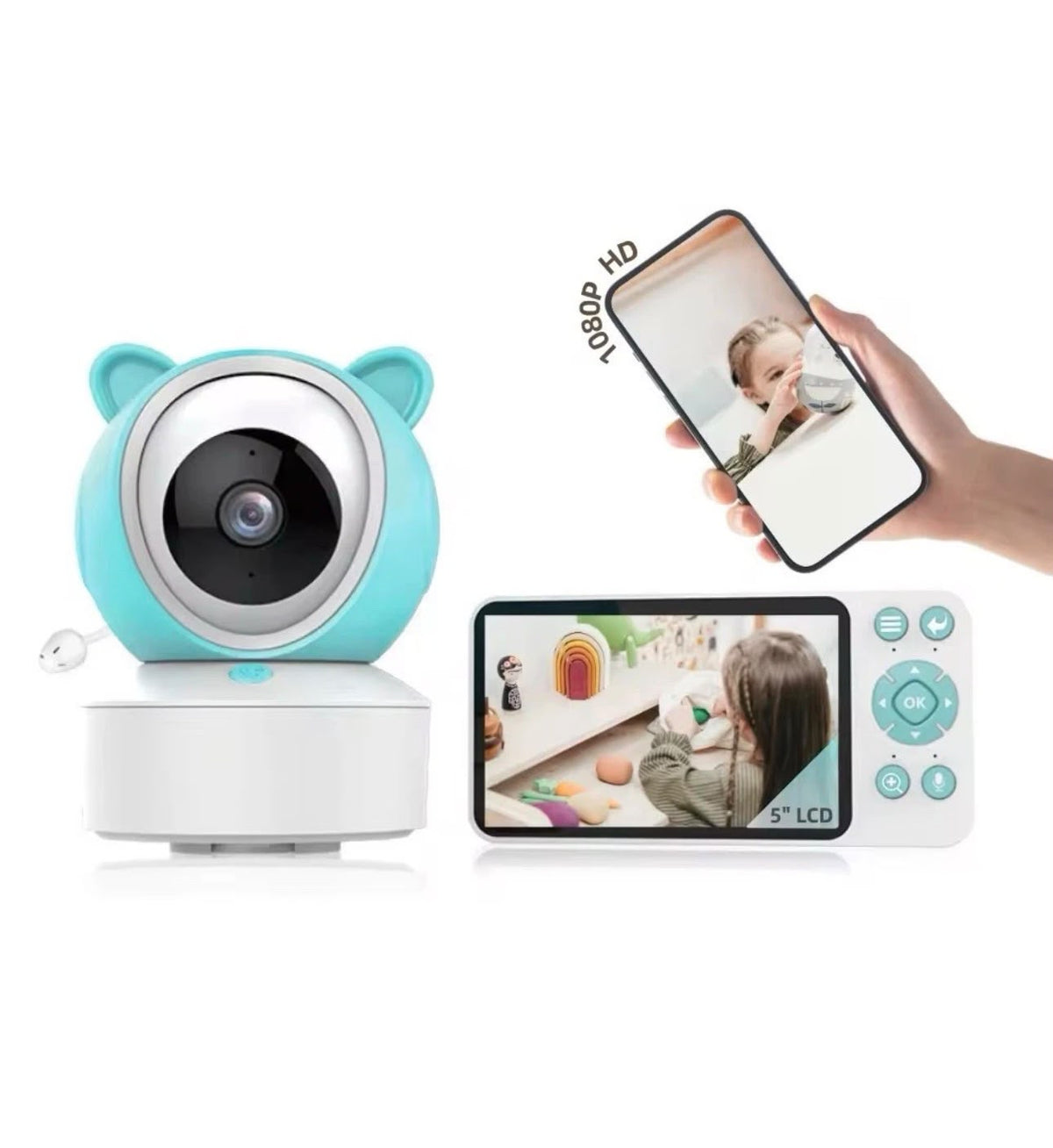
1. Screen baby monitor (camera + parent unit)
The camera sits in the nursery and sends video straight to a small handheld screen. Nothing goes through your home internet, so it keeps working if the Wi-Fi drops. The HiLink Baby Monitor with 5" Screen & App (A$150) is this type, with the option to also watch on your phone.
- Best for: newborns, night feeds, grandparents, and anyone who doesn't want baby's room on an app
- Handy extras: cry detection that lights up the screen, motion alerts, two-way talk, a room temperature and humidity reading, and a feeding reminder
- Trade-off: costs more than a basic Wi-Fi camera
2. Wi-Fi indoor camera (watch on your phone)
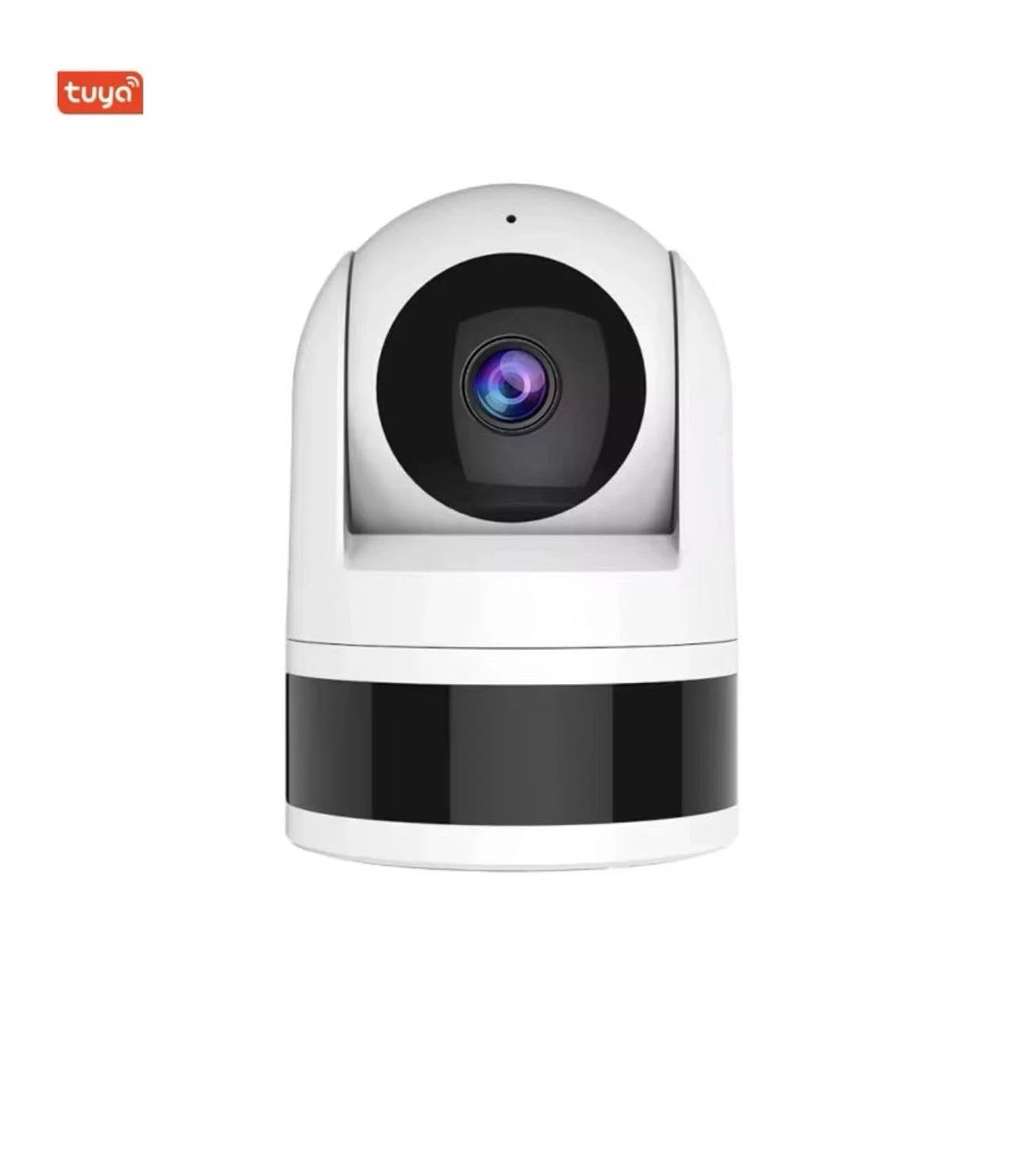
A small camera that connects to your home Wi-Fi. You watch, listen and talk through a free app such as Tuya Smart or Smart Life. The HiLink 4MP Wi-Fi Indoor Pan & Tilt Camera (A$40) is this type.
- Best for: toddlers, older kids' rooms, pets, and checking in from work or holidays
- Handy extras: 355° pan and 170° tilt to see the whole room, auto tracking, human-detection alerts, night vision, two-way audio and microSD recording
- Trade-off: needs 2.4GHz Wi-Fi and your phone; no separate parent screen
Side-by-side comparison
| Screen baby monitor | Wi-Fi indoor camera | |
|---|---|---|
| HiLink price | A$150 | A$40 |
| Parent screen included | Yes, 5" | No (uses your phone) |
| Works without Wi-Fi | Yes | No |
| Watch from outside the house | With the app | Yes |
| Cry / motion alerts | Cry and motion | Human detection |
| Two-way talk | Yes | Yes |
| Pan and tilt | No | 355° / 170° |
| Temperature and humidity | Yes | No |
| Recording | Live view | microSD up to 256GB |
Which one should you buy?
- Newborn, first baby: the screen monitor. It's simple, it doesn't depend on Wi-Fi, and the cry alert wakes the screen so you don't have to stare at it all night.
- Toddler or older child: the Wi-Fi camera. The pan and tilt follows them around the room, and you can check in from anywhere.
- Tight budget: the Wi-Fi camera at A$40 covers the basics: video, sound, talk-back and alerts.
- Two rooms, or nursery plus play area: use the screen monitor in the nursery and a Wi-Fi camera in the lounge or play room.
Where to place a baby camera safely
- Mount or place it at least 1 metre from the cot, with all cables well out of reach.
- Point it at the whole cot from above or the side, not straight into a window, where backlight hides detail.
- Keep the camera off the cot rail itself.
Frequently asked questions
Do I need Wi-Fi for a baby monitor?
Not for a screen baby monitor; the camera talks directly to the parent unit. A Wi-Fi indoor camera does need your home 2.4GHz Wi-Fi.
Can I use a normal indoor security camera as a baby monitor?
Yes. A pan-and-tilt indoor camera with two-way audio and night vision, like the HiLink 4MP indoor camera, works well as a baby monitor, especially for toddlers.
Is there a subscription fee?
No subscription is needed for either HiLink model. The Wi-Fi camera records to a microSD card you add yourself.
Where can I buy a baby monitor in Australia with local support?
HiLink Technologies is Australian-owned and based in Geelong, Victoria. Both monitors ship from Australia with a 12-month warranty, and you can call 1300 771 712 for help with setup.
Shop the HiLink Baby Monitor (A$150) · Shop the HiLink 4MP Indoor Camera (A$40)