Article: Are Wi-Fi Baby Cameras Safe? 8 Simple Steps to Keep Your Indoor Camera Private
Are Wi-Fi Baby Cameras Safe? 8 Simple Steps to Keep Your Indoor Camera Private
Short answer: yes, Wi-Fi baby cameras and indoor cameras are safe to use when you use a strong, unique password, turn on two-factor login, keep the app and camera updated, and secure your home Wi-Fi. Most camera hacks in the news came from reused or default passwords, not from the cameras themselves.
8 steps to keep your indoor camera private
1. Use a strong, unique app password
Use a password you don't use anywhere else, ideally 12+ characters or a passphrase. If another website you use is ever breached, your camera stays safe.
2. Turn on two-factor authentication
If your camera app offers two-step login (a code by SMS or email), switch it on. Even if someone guesses your password, they can't get in without the code.
3. Secure your home Wi-Fi
Change the router's default admin password, use WPA2 or WPA3 encryption, and use a strong Wi-Fi password. Your camera is only as secure as the network it's on.
4. Keep the app and camera updated
Accept app updates and firmware updates when the app offers them. Updates fix security issues.
5. Share access properly
To give a partner or grandparent access, use the app's Share device feature rather than handing over your login. You can remove their access at any time.
6. Use privacy mode when you're home
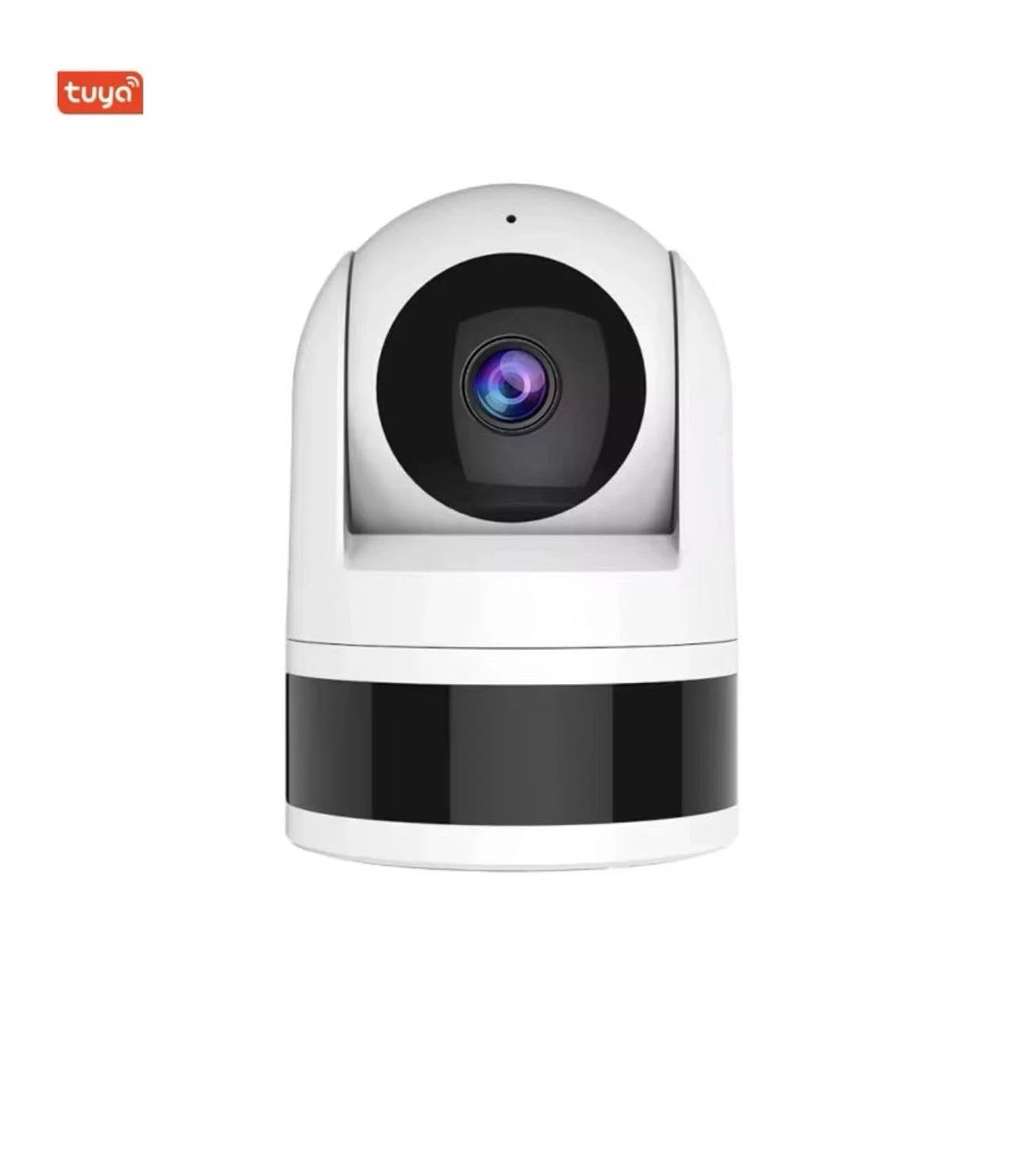
Many pan-and-tilt indoor cameras, including the HiLink 4MP indoor camera, can be turned off or pointed away from the room in the app when you don't need them.
7. Choose local recording
Recording to a microSD card in the camera keeps footage at home instead of on a paid cloud service. The HiLink indoor camera supports cards up to 256GB.
8. Place the camera thoughtfully
Point it at the cot or play area, not at bathrooms or a neighbour's property, and tell visitors or carers that a camera is in use. Our guide on camera privacy laws in Australia covers the rules.
Prefer no internet at all?
A screen baby monitor sends video straight from the camera to a handheld parent unit, without your home Wi-Fi. The HiLink Baby Monitor with 5" screen works that way, with the phone app optional. See Wi-Fi camera vs screen baby monitor to compare.
Frequently asked questions
Can a Wi-Fi baby monitor be hacked?
Any internet-connected device can be targeted, but the risk is low when you use a unique password, two-factor login, a secured Wi-Fi network and keep everything updated.
Is a non-Wi-Fi baby monitor more private?
Yes. A screen monitor that sends video directly to a parent unit keeps video off the internet, unless you also choose to connect the app.
Do HiLink cameras need a subscription?
No. The HiLink indoor camera records to a microSD card, so there's no monthly fee.
Need help setting up your camera securely? Call HiLink's Australian team on 1300 771 712 or email hilink2025@gmail.com.